
1080p Gaming GPU: Why You Don't Need an RTX 5080 or 5090
The Hard Truth About High-End GPUs and 1080p Gaming
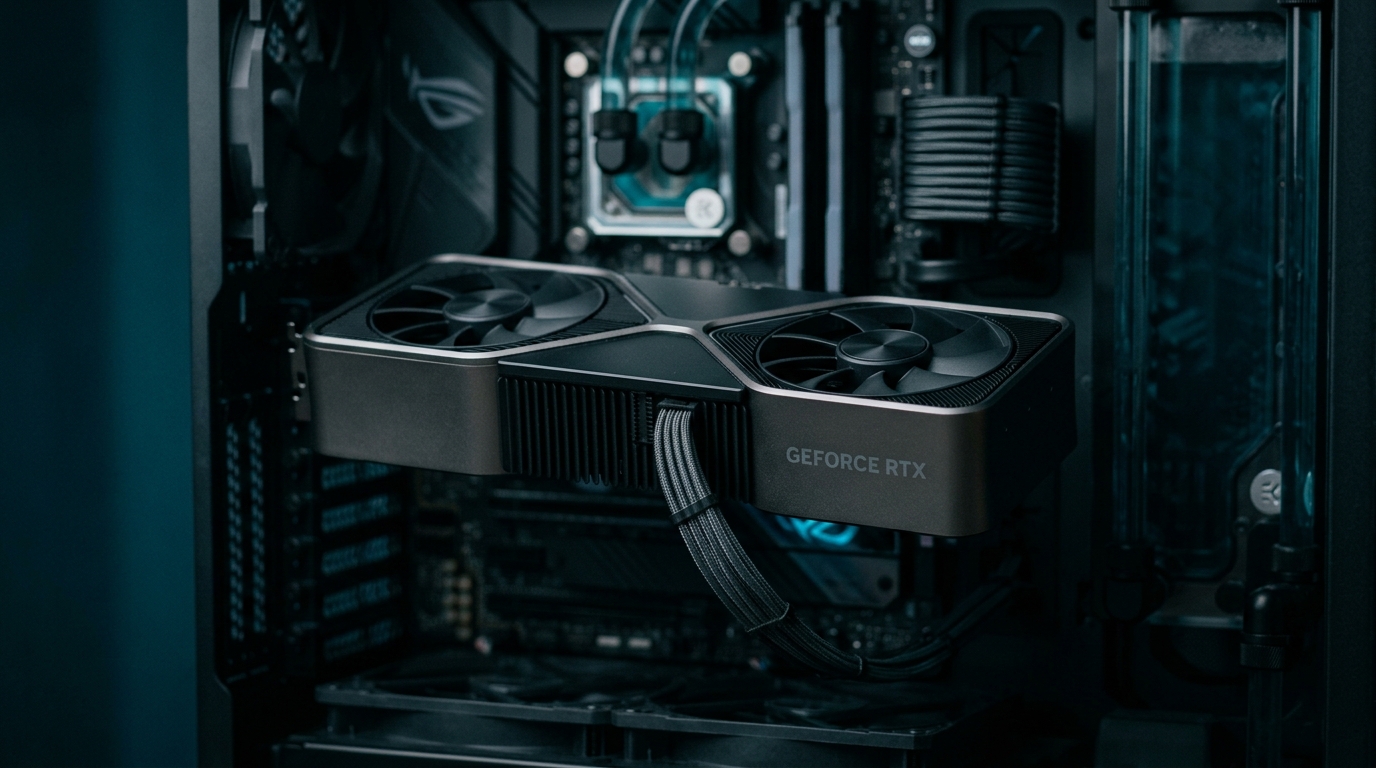
If you're playing Valorant, CS2, Fortnite, or League of Legends at 1080p—even on max settings—you're wasting your money on an RTX 5080 or 5090. I'm talking $1,000+ down the drain for performance you'll never use.
Here's the reality: competitive gamers don't max out graphics settings anyway. They run low to medium settings to squeeze out every frame possible. And at 1080p resolution, even a mid-range GPU will push 300+ FPS in most competitive titles.
Let me break down exactly why you don't need Nvidia's flagship cards for 1080p gaming, what you should buy instead, and how much money you can save without sacrificing performance.
How GPU Performance Scales With Resolution
This is where most people get confused. GPU performance doesn't scale linearly—it scales exponentially with resolution.
Here's what that means in real numbers:
- 1080p (1920x1080): 2,073,600 pixels
- 1440p (2560x1440): 3,686,400 pixels (78% more than 1080p)
- 4K (3840x2160): 8,294,400 pixels (300% more than 1080p)
The RTX 5080 and 5090 are built to push pixels at 4K resolution with ray tracing enabled. At 1080p, you're using maybe 30-40% of their capability. That's like buying a semi-truck to commute to work.
What Competitive Gamers Actually Need
Competitive players optimize for one thing: frame rate. High, consistent FPS gives you lower input lag and smoother motion. But here's the catch—you don't need a $1,600 GPU to hit 240+ FPS at 1080p.
Most competitive games are CPU-bound at high frame rates, not GPU-bound. Once you're pushing 300+ FPS, your processor becomes the bottleneck, not your graphics card.
Typical Settings for Competitive Play
- Textures: Medium to High (minimal FPS impact)
- Shadows: Low or Off (huge FPS gain)
- Anti-aliasing: Off or minimal
- Effects: Low
- Post-processing: Off
- Ray tracing: Always off
With these settings, here's what you can expect from different GPUs at 1080p:
RTX 4060 Ti ($400)
- Valorant: 400+ FPS
- Fortnite (competitive settings): 300+ FPS
- CS2: 350+ FPS
- Apex Legends: 250+ FPS
RTX 4070 ($550)
- Valorant: 500+ FPS
- Fortnite: 400+ FPS
- CS2: 450+ FPS
- Apex Legends: 300+ FPS
RTX 5080 ($1,000+)
- Valorant: 550+ FPS (but your monitor caps at 240-360Hz anyway)
- Fortnite: 450+ FPS (again, monitor-limited)
- CS2: 500+ FPS (you won't notice the difference)
- Apex Legends: 350+ FPS (same story)
See the problem? You're paying $600 more for 50-100 extra frames that your monitor can't even display.
The Monitor Bottleneck Nobody Talks About
Even if you have a high-refresh monitor, you're capped at its refresh rate. The most common competitive gaming monitors are:
- 144Hz (displays up to 144 FPS)
- 240Hz (displays up to 240 FPS)
- 360Hz (displays up to 360 FPS)
Yes, running higher FPS than your refresh rate can reduce input lag slightly, but the difference between 400 FPS and 500 FPS is imperceptible. You're talking about microseconds.
A mid-range GPU paired with a good 240Hz monitor will give you 95% of the competitive advantage of a top-tier setup at half the cost.
What You Should Actually Buy for 1080p Competitive Gaming
Here's my honest recommendation based on building dozens of gaming PCs:
Best Value: RTX 4060 Ti or AMD RX 7700 XT ($400-450)
This is the sweet spot for 1080p competitive gaming. You'll max out any 240Hz monitor in esports titles and still have headroom for AAA games at high settings.
Pros:
- Crushes competitive games
- Handles AAA titles at high settings
- Runs cool and quiet
- Leaves budget for better CPU, RAM, or monitor
Cons:
- Struggles with 4K gaming (but you're not doing that anyway)
Step Up: RTX 4070 ($550)
If you want some future-proofing or occasionally play demanding single-player games, the 4070 is worth the extra $100-150.
Pros:
- Excellent 1440p performance if you upgrade monitors later
- Better ray tracing (if you care)
- More VRAM for content creation
Cons:
- Still overkill for pure 1080p competitive gaming
Budget Option: RTX 4060 or RX 7600 ($300)
If you're on a tight budget and only play competitive games, these will still deliver 200+ FPS in most titles.
Where to Spend the Money You Save
Let's say you were considering an RTX 5080 at $1,000 but bought an RTX 4060 Ti instead at $400. That's $600 saved. Here's where that money actually improves your gaming:
Better CPU ($200): Upgrade to a Ryzen 7 7800X3D or Intel i7-14700K. This will boost your FPS more than a better GPU at 1080p.
Faster RAM ($100): 32GB of DDR5-6000 instead of 16GB DDR4. Competitive games love fast RAM.
Better Monitor ($300): A quality 240Hz or 360Hz monitor with 1ms response time makes a bigger difference than GPU overkill.
This balanced approach will give you better real-world performance than dumping everything into a flagship GPU.
When You Actually Need an RTX 5080 or 5090
I'm not saying these cards are bad—they're incredible. But they're built for specific use cases:
- 4K gaming at max settings: If you have a 4K 144Hz monitor and want to max out Cyberpunk 2077 with ray tracing
- Content creation: Video editing, 3D rendering, AI workloads
- VR gaming: High-end VR headsets need serious GPU power
- 1440p ultra-wide gaming: Those 3440x1440 ultrawide monitors push a lot of pixels
For 1080p competitive gaming? You're leaving performance on the table.
The CPU Matters More Than You Think
At 1080p high frame rates, your CPU is doing most of the heavy lifting. I've seen builds with an RTX 4090 paired with a budget CPU that can't break 200 FPS in CS2 because the processor is bottlenecking.
For competitive gaming, invest in:
- AMD: Ryzen 7 7800X3D (best gaming CPU, period)
- Intel: i5-14600K or i7-14700K
- Budget: Ryzen 5 7600X
Pair any of these with an RTX 4060 Ti, and you'll outperform an RTX 5090 with a weak CPU in competitive titles.
Common Mistakes I See When Building Gaming PCs
Mistake #1: GPU-first mentality People blow their entire budget on the GPU and cheap out on everything else. You end up with an unbalanced system.
Mistake #2: Ignoring the monitor A $1,500 GPU paired with a 60Hz monitor is pointless. Match your hardware to your display.
Mistake #3: Future-proofing too hard By the time you "need" that RTX 5090 power, there will be better cards for less money. Buy for today, upgrade when needed.
Mistake #4: Following streamer builds Streamers need high-end GPUs for streaming, recording, and playing simultaneously. You don't.
Real-World Example: Two Builds Compared
Overkill Build:
- RTX 5080: $1,000
- Ryzen 5 7600: $200
- 16GB DDR5: $80
- Basic 1080p 144Hz monitor: $180
- Total: $1,460
- Performance in Valorant: ~400 FPS (capped by CPU and monitor)
Balanced Build:
- RTX 4060 Ti: $400
- Ryzen 7 7800X3D: $400
- 32GB DDR5-6000: $150
- Quality 1080p 240Hz monitor: $350
- Total: $1,300
- Performance in Valorant: ~450 FPS (better CPU)
The balanced build costs less, performs better in competitive games, and gives you a superior overall experience.
Local PC Builds for Radford, Christiansburg, Pulaski, Roanoke, and across the New River Valley
We build and deliver custom PCs for customers in Radford, Christiansburg, Pulaski, Roanoke, and everywhere in between. Whether you're a gamer in Blacksburg or running a business in Pulaski, you get the same hands-on service — we'll sit down with you, figure out exactly what you need, and build it right.
Bottom Line: Buy Smart, Not Expensive
If you're playing competitive games at 1080p, an RTX 5080 or 5090 is objectively wasteful. You're paying for 4K and ray tracing performance you'll never use.
Save your money. Get a solid mid-range GPU, invest in a better CPU and monitor, and you'll have a faster, more responsive gaming experience for hundreds less.
Need help building a gaming PC that's actually optimized for how you play? We build custom PCs tailored to your specific games and budget—no cookie-cutter builds, no wasted money on parts you don't need. Give us a call at 540-440-1157 or shoot us an email at [email protected]. We'll spec out exactly what you need and nothing you don't.
Need help with your tech in Virginia?
Zaxx Tech Solutions handles security systems, custom PCs, websites, Starlink, and IT support — all locally, all licensed (DCJS #11-30241). Get a no-pressure quote today.