
Hardwired vs Wireless Security Cameras: Virginia Guide
The Real Difference Between Hardwired and Wireless Cameras
Let's cut through the marketing noise. When you're shopping for security cameras in Virginia, you'll see "wireless" slapped on everything like it's automatically better. It's not. Both hardwired and wireless systems have their place, and the right choice depends on your specific property, budget, and what you're actually trying to protect.
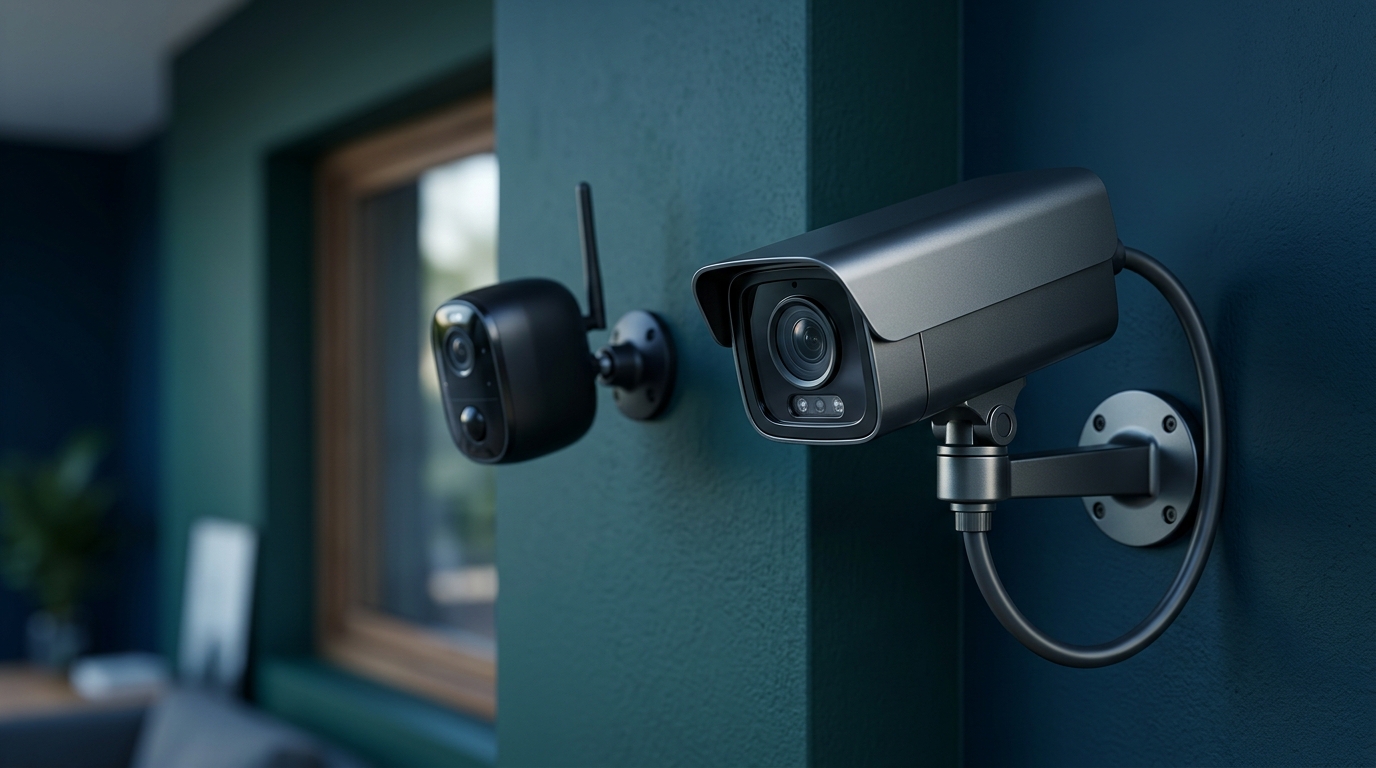
Hardwired cameras connect via physical cables—either coaxial (older systems) or Ethernet cables (PoE systems). Wireless cameras connect to your network via Wi-Fi and usually run on batteries or a power adapter. That's the technical difference. Here's what it means for your home.
Hardwired Security Cameras: The Workhorse Option
Power Over Ethernet (PoE) Systems
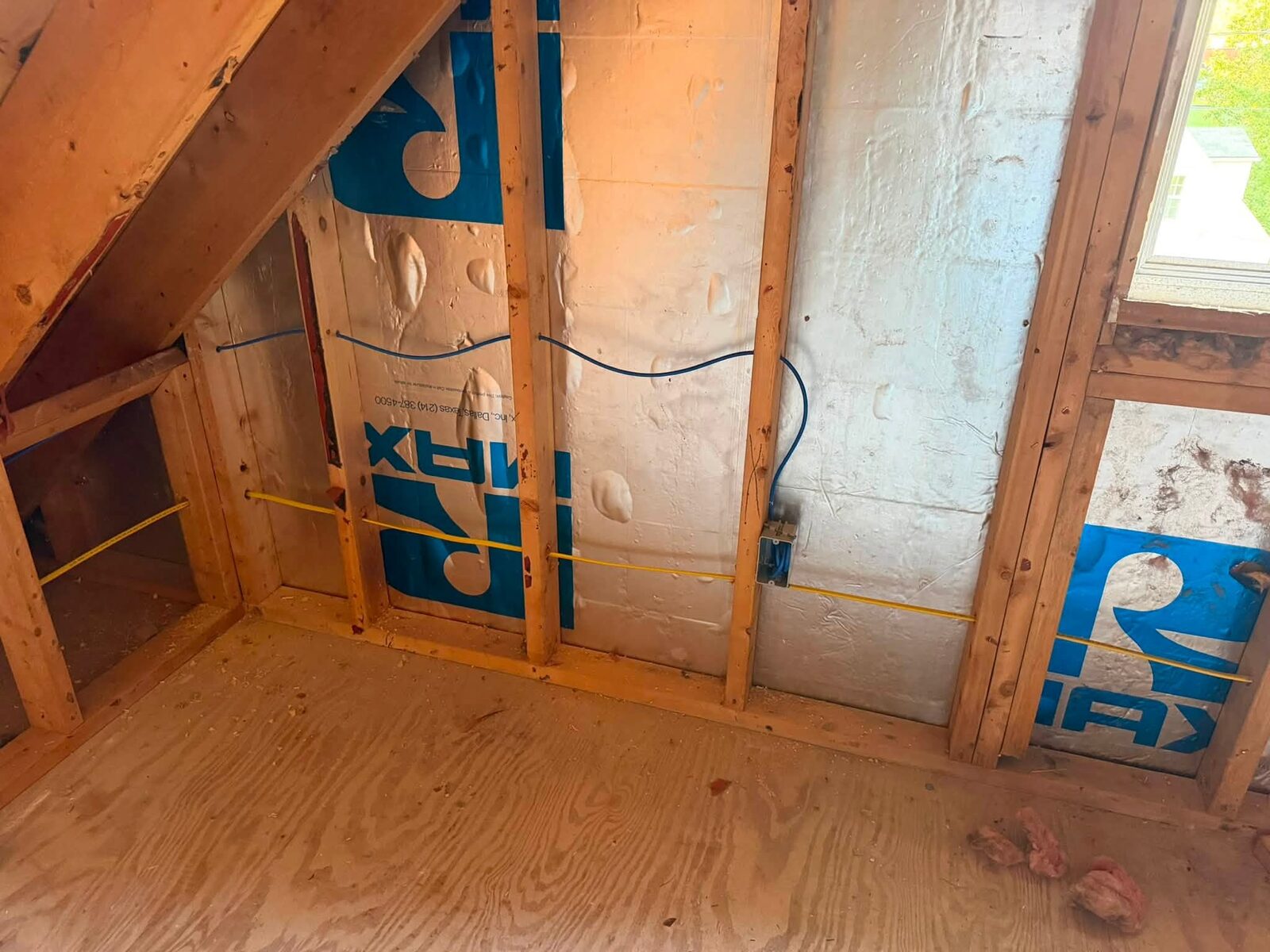
When we install hardwired systems today, we're almost always using PoE cameras. One Ethernet cable delivers both power and data. No separate power supplies at each camera location, no batteries to swap, no Wi-Fi dropouts.
A typical PoE setup includes:
- 4-8 cameras (depending on coverage needs)
- Network Video Recorder (NVR) with built-in PoE switch
- Cat5e or Cat6 cable runs from NVR to each camera
- Centralized storage (usually 1-4TB hard drive)
The Advantages
Reliability. This is the big one. Hardwired cameras don't care about your Wi-Fi signal strength. They don't disconnect when your router hiccups. In rural parts of the New River Valley where internet can be spotty, this matters.
No battery anxiety. Your cameras work 24/7 without charging, swapping batteries, or dealing with cold weather killing battery life. Virginia winters aren't brutal, but they're cold enough to cut wireless camera battery life in half.
Better video quality. Ethernet can handle higher resolution and frame rates without compression issues. If you need to read a license plate or identify a face, the extra bandwidth helps.
Local storage. Your footage lives on your NVR's hard drive. No monthly cloud fees, no worrying about your internet going down during an incident, no privacy concerns about your video living on someone else's server.
Professional appearance. For commercial security applications, hardwired systems look more permanent and serious. That matters for deterrence.
The Drawbacks
Installation cost. Running cables through walls, attics, and crawl spaces takes time. If you're hiring it out, labor costs add up. For a typical 4-camera system, figure $800-1,500 for professional installation on top of equipment costs.
Less flexible. Once those cables are run, moving a camera means running new cable. Not impossible, but not something you'll do on a whim.
Requires planning. You need to think through camera placement before installation. Changing your mind later is expensive.
Wireless Security Cameras: The Flexible Option
How Modern Wireless Systems Work
Today's wireless cameras connect to your home Wi-Fi network. Most run on rechargeable batteries, though some plug into outdoor outlets. Video either stores locally on an SD card in the camera or uploads to cloud storage.
Popular brands include Ring, Arlo, Wyze, and Reolink. Quality varies wildly.
The Advantages
Easy installation. Mount the camera, connect it to your Wi-Fi, done. Most homeowners can install wireless cameras themselves in an afternoon.
Flexibility. Want to move a camera? Unmount it and put it somewhere else. Testing different angles is simple.
Lower upfront cost. A decent wireless camera runs $50-200. No professional installation required for most people.
Rental-friendly. If you're renting in Radford or Blacksburg, wireless cameras go with you when you move. No permanent modifications to the property.
Smart home integration. Most wireless cameras play nice with Alexa, Google Home, and Apple HomeKit. If you're building a smart home security setup, integration is usually smoother.
The Drawbacks
Battery maintenance. Depending on activity and temperature, you're recharging batteries every 1-6 months. It's not hard, but it's one more thing to remember.
Wi-Fi dependency. If your Wi-Fi is slow, congested, or has dead spots, your cameras suffer. I've seen plenty of setups where the camera at the far corner of the property barely connects.
Subscription costs. Most wireless systems require a monthly subscription for cloud storage and advanced features. Ring charges $4/month per camera or $10/month for unlimited cameras. Arlo is similar. Over 5 years, that's $600 in subscription fees.
Easier to defeat. A determined intruder can jam Wi-Fi signals or just wait for your battery to die. Hardwired systems are harder to disable.
Compression and lag. To save bandwidth and battery, wireless cameras compress video more aggressively. You might miss details. Live view often has a 2-5 second delay.
What Works Best in Virginia Homes
For Rural Properties
If you're outside town limits with acreage, go hardwired for your main coverage areas. Run PoE cameras to your driveway entrance, outbuildings, and main entry points. You can supplement with a wireless camera or two for temporary monitoring or areas where running cable isn't practical.
Rural Virginia properties often have:
- Longer cable runs (not a problem with PoE, which works up to 328 feet)
- Weaker Wi-Fi at property edges
- More area to cover (hardwired systems scale better)
For Suburban Homes
Most homes in Radford, Christiansburg, and Blacksburg do fine with either system. Your choice comes down to budget and DIY comfort level.
Go hardwired if:
- You're staying long-term
- You want zero ongoing costs
- You have an unfinished basement or accessible attic for cable runs
- You're already doing other renovations
Go wireless if:
- You might move in the next few years
- You want to install it yourself this weekend
- Your home makes cable runs difficult (finished basement, no attic access)
- You're comfortable with subscription fees
For Apartments and Rentals
Wireless is usually your only option. Most landlords won't let you run cables through walls. A couple of wireless cameras covering your entry door and parking spot gives you solid coverage without permanent modifications.
The Hybrid Approach
Here's what I actually recommend for most Virginia homeowners: use both.
Run hardwired PoE cameras for your critical coverage:
- Front door and driveway
- Back door
- Garage or shop
Add wireless cameras for:
- Side gates or secondary access points
- Temporary monitoring (watching a delivery, keeping an eye on a project)
- Areas where cable runs are prohibitively expensive
You get the reliability where it matters most and flexibility where you need it.
Installation Considerations for Virginia Weather
Virginia's climate is pretty moderate, but we get enough weather variation to think about:
Temperature swings. We see everything from 10°F winter nights to 95°F summer days. Make sure cameras are rated for -20°F to 120°F minimum. Battery cameras lose significant capacity below 32°F.
Humidity and rain. Look for IP65 or IP66 weather resistance ratings. Cheaper cameras with IP44 ratings will fail within a year in our humid summers.
Ice and snow. Cameras need overhangs or housings to prevent ice buildup on lenses. I've seen plenty of cameras that work fine until the first ice storm.
Cost Breakdown: 5-Year Ownership
Let's compare a 4-camera system over 5 years:
Hardwired PoE System:
- Equipment: $600-1,200
- Professional installation: $800-1,500
- Ongoing costs: $0
- Total: $1,400-2,700
Wireless System:
- Equipment: $400-800
- Installation: $0 (DIY)
- Cloud storage (5 years): $600
- Battery replacements: $100-200
- Total: $1,100-1,600
Wireless looks cheaper upfront, but the gap narrows over time. By year 10, hardwired systems usually cost less.
Common Mistakes to Avoid
Mixing incompatible systems. You can't add a Ring camera to a PoE NVR system. Plan your ecosystem from the start.
Undersizing storage. If you're going hardwired, don't cheap out on NVR storage. 1TB fills up fast with 4K cameras. Start with 2TB minimum.
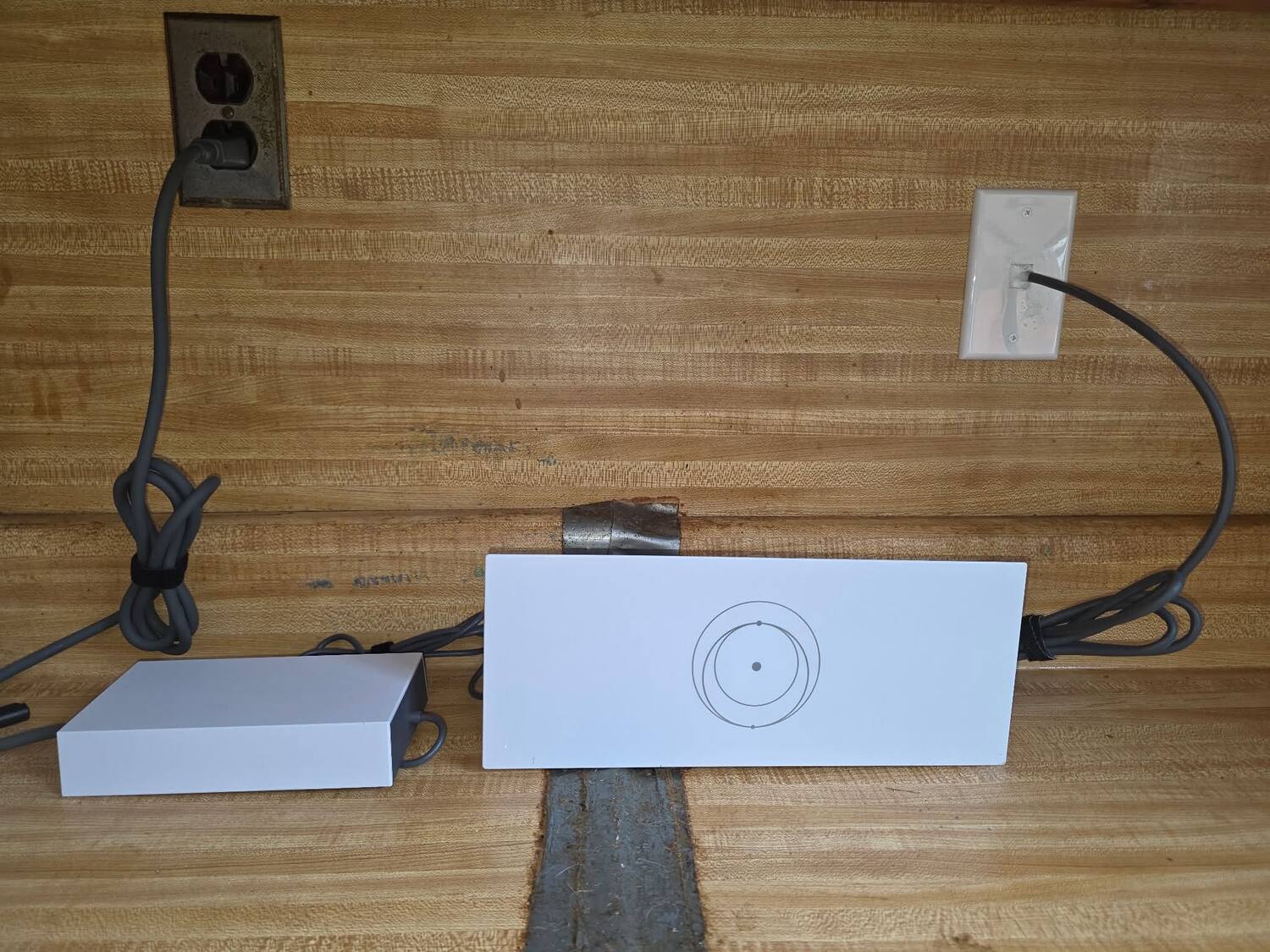
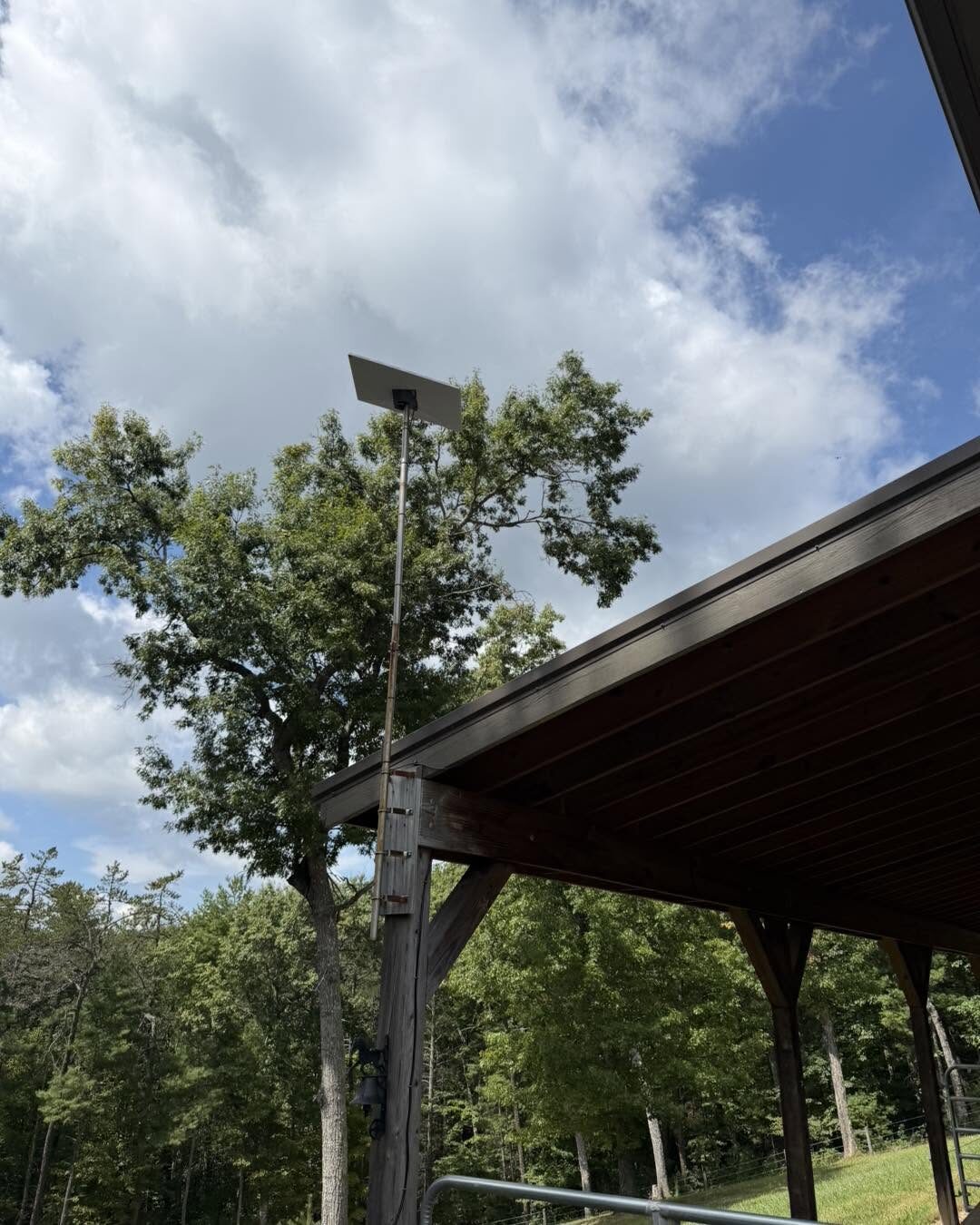
Ignoring upload speed. Wireless cameras need decent upload bandwidth. If you're on DSL with 1Mbps upload, cloud cameras will struggle. This is common in rural Virginia. Starlink installation can solve this problem.
Poor camera placement. Higher isn't always better. Mount cameras 8-10 feet high for the best facial recognition. Too high and you just see the tops of heads.
Forgetting about lighting. Cameras need light. IR night vision works to about 30 feet. Beyond that, add motion-activated lights.
Serving Radford, Christiansburg, Pulaski, Roanoke, and across the New River Valley
Whether you're in a neighborhood in Radford, a rural property outside Christiansburg, a family home in Pulaski, or a business in Roanoke — we've installed security systems across the entire New River Valley. Every area has different needs, and we tailor every setup to your specific property and situation.
Getting Professional Help
If you're unsure which system fits your property, or you want hardwired cameras installed right the first time, that's what we do. We'll walk your property, identify coverage gaps, and design a system that actually protects what matters to you.
We install both hardwired PoE systems and wireless setups throughout the New River Valley. We're licensed (DCJS #11-30241), we pull permits when required, and we don't upsell you on cameras you don't need.
Whether you need a simple home security subscription setup or a full commercial-grade system, we'll give you straight answers about what works for your property and budget. Give us a call at 540-440-1157 or get a free quote and we'll figure out the right system for your Virginia home.
Need help with your tech in Virginia?
Zaxx Tech Solutions handles security systems, custom PCs, websites, Starlink, and IT support — all locally, all licensed (DCJS #11-30241). Get a no-pressure quote today.