
PC Parts Advice: Build the Right Computer for Your Needs
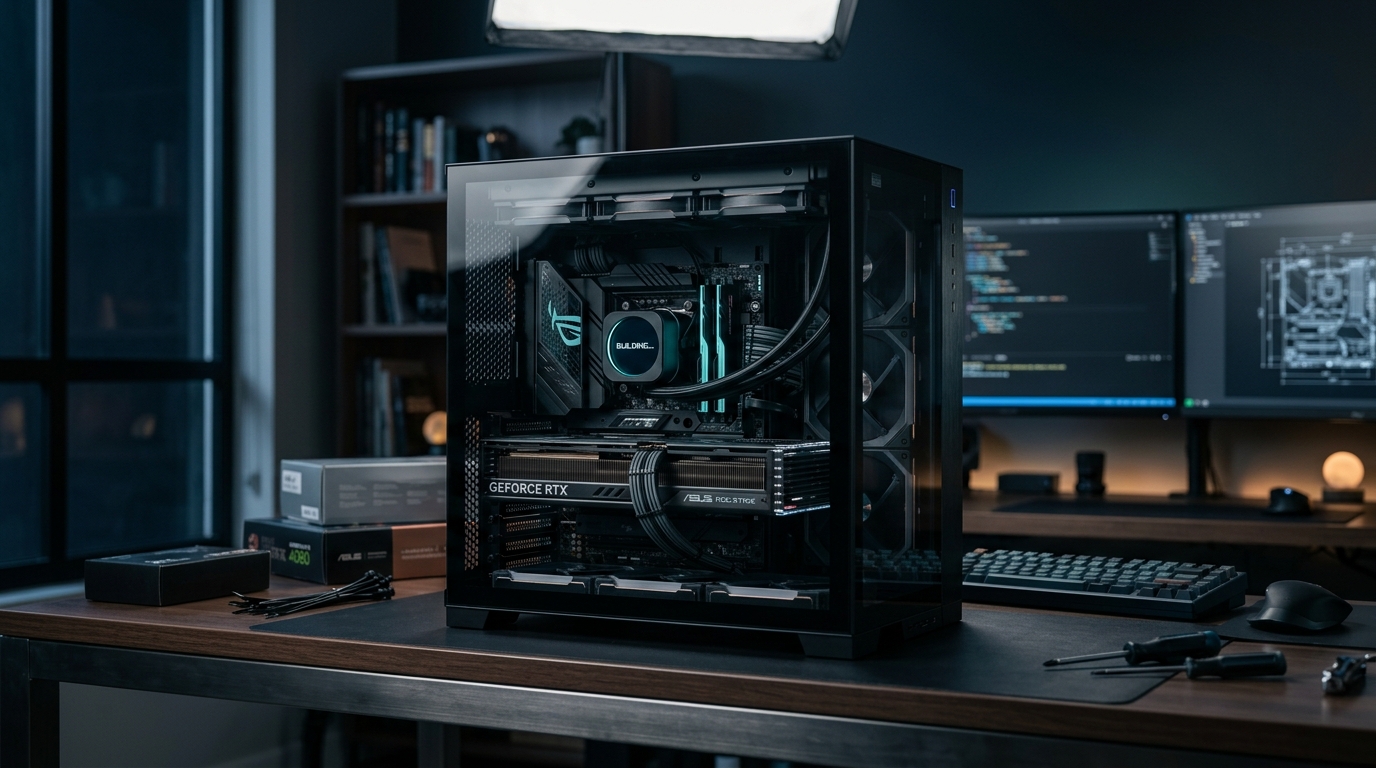
You Don't Need a $400 Graphics Card to Run QuickBooks
I've lost count of how many times someone's walked into a conversation about a new PC build already convinced they need the latest RTX 4070 and a liquid-cooled CPU—only to tell me five minutes later that they mostly use Excel, email, and maybe some light photo editing.
Here's the thing: building a custom PC isn't about cramming in the most expensive parts you can afford. It's about matching components to what you actually do with the machine. A $2,500 gaming rig makes zero sense if you're running a dental office. And a bare-bones budget build will make you miserable if you're editing 4K video or running CAD software.
At Zaxx Tech Solutions, we don't just assemble parts. We sit down with you—whether you're in Radford, Blacksburg, or anywhere in the New River Valley—and figure out what you're actually trying to accomplish. Then we spec a machine that does that job without wasting your money on components you'll never use.
What Are You Actually Going to Do With This Computer?
This is the first question we ask, and it's the most important one. Your answer determines everything else.
Office Work and Basic Business Use
If you're running a small business and need a reliable machine for:
- Accounting software (QuickBooks, FreshBooks)
- Microsoft Office or Google Workspace
- Email and web browsing
- Light multitasking
- Maybe some basic photo work
You don't need much. A modern Intel processor with integrated graphics will handle all of that without breaking a sweat. We're talking something like an Intel i5 with UHD Graphics 770. No dedicated GPU needed. 16GB of RAM. A 500GB SSD for fast boot times and application loading. You're looking at a solid, reliable business PC build for under $800 that'll run circles around any big-box store desktop.
The mistake most people make? They either buy a $400 consumer-grade machine that's loaded with bloatware and cheap components that fail in two years, or they overspend on gaming hardware they'll never use.
Content Creation and Design Work
Now, if you're doing:
- Video editing (Premiere Pro, DaVinci Resolve)
- 3D modeling or CAD
- Graphic design with large files
- Music production with multiple tracks
You need more horsepower. This is where we start talking about:
- Higher core-count CPUs (AMD Ryzen 7 or Intel i7)
- 32GB of RAM minimum
- A dedicated GPU—but not necessarily a gaming card
- Fast NVMe storage, possibly multiple drives
A lot of people assume "powerful PC" means "gaming PC," but that's not always true. Video editors benefit more from extra RAM and fast storage than from the absolute latest graphics card. We spec machines based on your actual workflow, not generic advice from Reddit.
Gaming
If you want to game, we need to know:
- What games? (Competitive esports titles are way less demanding than AAA single-player games)
- What resolution? (1080p, 1440p, 4K?)
- What frame rates matter to you?
A competitive Valorant or CS2 player needs high frame rates at 1080p. That's a different build than someone who wants to play Cyberpunk 2077 at 4K with ray tracing maxed out.
We'll also tell you when it makes sense to spend more on a monitor than on internal components. A $300 144Hz display paired with a mid-range GPU often delivers a better gaming experience than a $800 GPU pushing frames to a cheap 60Hz screen.
The Parts That Actually Matter (And the Ones That Don't)
CPU: Match It to Your Workload
For office work, a current-gen Intel i5 or AMD Ryzen 5 is more than enough. For heavy multitasking, content creation, or serious gaming, step up to an i7 or Ryzen 7.
Don't get sucked into the "latest generation or nothing" trap. Sometimes last year's high-end chip offers better value than this year's mid-range option.
RAM: More Isn't Always Better
16GB is the sweet spot for most business and general use. 32GB if you're doing content creation or running virtual machines. 64GB is overkill unless you're doing very specific professional work.
Speed matters less than capacity for most real-world use. Don't pay a premium for RGB RAM that's 200MHz faster—you won't notice the difference in Excel.
Storage: SSDs Are Non-Negotiable
We don't build machines with spinning hard drives as the primary drive anymore. Period. An SSD makes more difference to your day-to-day experience than almost any other component.
For most people, a 500GB NVMe SSD is plenty. If you're storing large video files or game libraries, we'll add a secondary drive—either another SSD or a large HDD for bulk storage.
Graphics: Intel Integrated Is Underrated
This is where we save people the most money. Modern Intel integrated graphics (like UHD Graphics 770) can handle:
- Dual or triple monitor setups
- 4K video playback
- Light photo editing
- Casual older games
If you're not gaming or doing GPU-accelerated work, you don't need a dedicated graphics card. That's $200-$800 you can save or put toward a better monitor, more storage, or a longer warranty.
Power Supply: Don't Cheap Out Here
We use quality power supplies from brands like Corsair, EVGA, or Seasonic. A cheap PSU can damage other components or fail at the worst possible time. This isn't the place to save $30.
Common Mistakes We See All the Time
Overspending on the CPU, underspending on everything else. You don't need an i9 if you're pairing it with 8GB of RAM and a hard drive.
Buying a prebuilt "gaming PC" for office work. You're paying for components you don't need and getting lower-quality parts everywhere else.
Skipping the SSD. If someone tries to sell you a new computer with a mechanical hard drive as the boot drive in 2024, walk away.
Not planning for expansion. If there's any chance you'll need more RAM or storage later, we make sure the motherboard and case can handle it.
Ignoring the monitor. Your PC is only as good as the screen you're looking at. We can help you pick a display that matches your use case.
Why Custom Beats Big-Box Every Time
When you buy a Dell or HP from Best Buy, you're getting:
- Proprietary parts that are hard to upgrade or replace
- Bloatware that slows everything down
- A one-size-fits-all configuration that probably doesn't fit you
- Limited upgrade paths
When we build you a custom PC, you get:
- Standard components you can upgrade or replace anywhere
- A clean Windows install with no junk software
- Exactly the specs you need, nothing you don't
- A machine you can grow with
Plus, if something goes wrong, you're calling us—not sitting on hold with a call center in another state.
We Build for Businesses Too
A lot of our custom PC work is for local businesses in Radford and the New River Valley. We've built:
- Point-of-sale systems for retail shops
- Workstations for architecture firms
- Office PCs for medical practices
- Editing rigs for content creators
We can also handle your broader IT support needs, set up your network, and make sure everything talks to everything else. If you need a website to go with that new business PC, we offer $0 website launches with $40/month hosting.
The Process: How We Work
- Consultation. We talk about what you do, what software you run, and what's frustrating about your current setup.
- Spec and quote. We put together a parts list with options at different price points and explain what each component does.
- Build. We assemble, test, and install a clean OS with the software you need.
- Delivery and setup. We make sure everything works before we leave.
No surprises. No upselling. Just a machine that does what you need it to do.
Local PC Builds for Radford, Christiansburg, Pulaski, Roanoke, and across the New River Valley
We build and deliver custom PCs for customers in Radford, Christiansburg, Pulaski, Roanoke, and everywhere in between. Whether you're a gamer in Blacksburg or running a business in Pulaski, you get the same hands-on service — we'll sit down with you, figure out exactly what you need, and build it right.
Let's Build Something That Actually Fits
If you're in Radford, Blacksburg, Christiansburg, or anywhere in Southwest Virginia and you're thinking about a new computer, let's talk before you buy something off the shelf or order parts you're not sure about.
We'll help you figure out what you actually need, source quality components, and build a machine that'll serve you well for years. Whether it's a budget office PC with Intel integrated graphics or a high-end workstation, we'll get it right the first time.
Give us a call at 540-440-1157 or email [email protected]. We're here to help you spend your money smart—not just spend it.
Need help with your tech in Virginia?
Zaxx Tech Solutions handles security systems, custom PCs, websites, Starlink, and IT support — all locally, all licensed (DCJS #11-30241). Get a no-pressure quote today.