
How to Get Better Wi-Fi After Installing Starlink
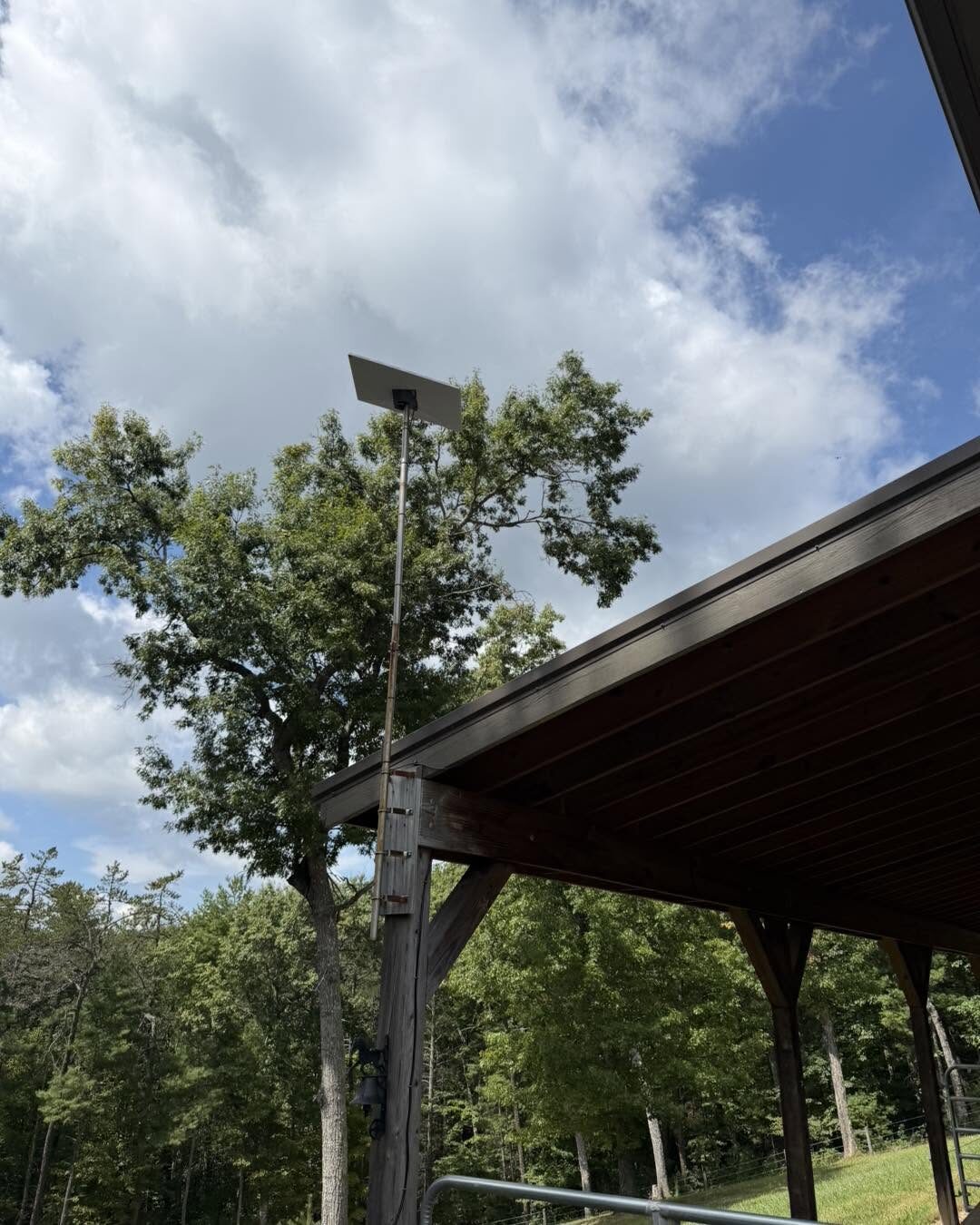
Here is a scenario we see every week across the New River Valley: a customer gets Starlink installed, runs a speed test standing next to the router, and sees great numbers. Then they walk out to the shop, or downstairs to the basement, or upstairs to the far bedroom — and the Wi-Fi is gone.
That is not a Starlink problem. That is a Wi-Fi coverage problem, and it is completely fixable. A fast internet connection at one router is only step one. Getting that connection everywhere you actually use it is a separate job — and on rural properties with detached buildings, it is the job that matters most.
Why One Router Is Not Enough
The Starlink router is good, but physics is physics. Wi-Fi weakens as it passes through walls, floors, brick, and distance. A single router in the living room was never going to cover:
- A large or long single-story home
- A finished basement or a bonus room over the garage
- A detached garage, workshop, barn, or shop 100+ feet away
- Outdoor spaces — the porch, the yard, the pool, the equipment area
So before throwing hardware at it, the first move is figuring out where the dead zones are and why.
Step 1: Router Placement
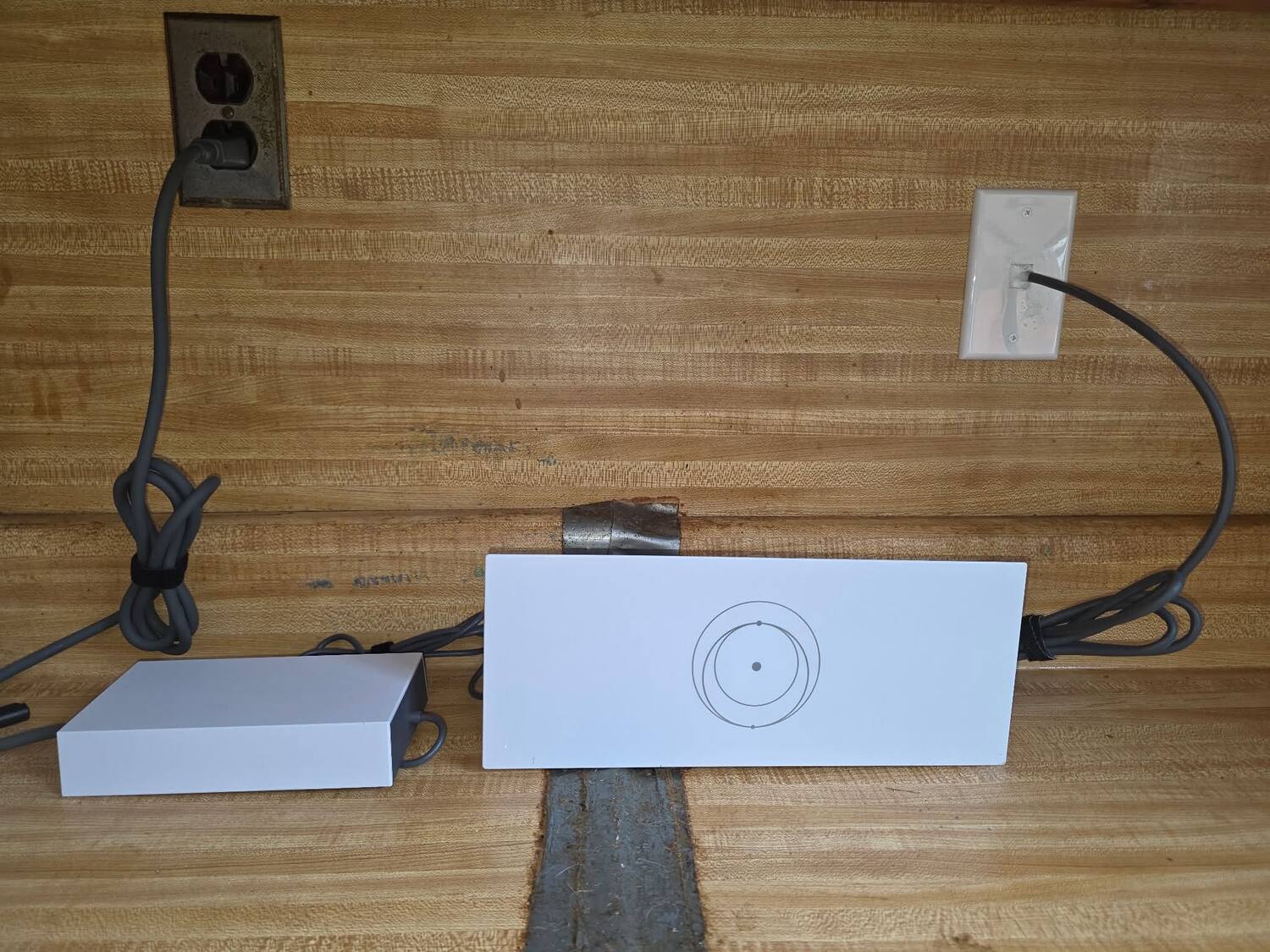
Sometimes the cheapest fix is the best one. Moving the router to a more central, open spot — up off the floor, out of a closet, away from the metal of an appliance or panel — can noticeably improve coverage. We always start here before recommending anything you have to buy.
Step 2: Wired Access Points Beat Extenders
When one router cannot cover the space, the reliable answer is access points wired back to your network with Ethernet. Unlike a plug-in extender (which cuts your speed and drops constantly), a wired access point delivers full-speed, rock-solid Wi-Fi in its part of the house.
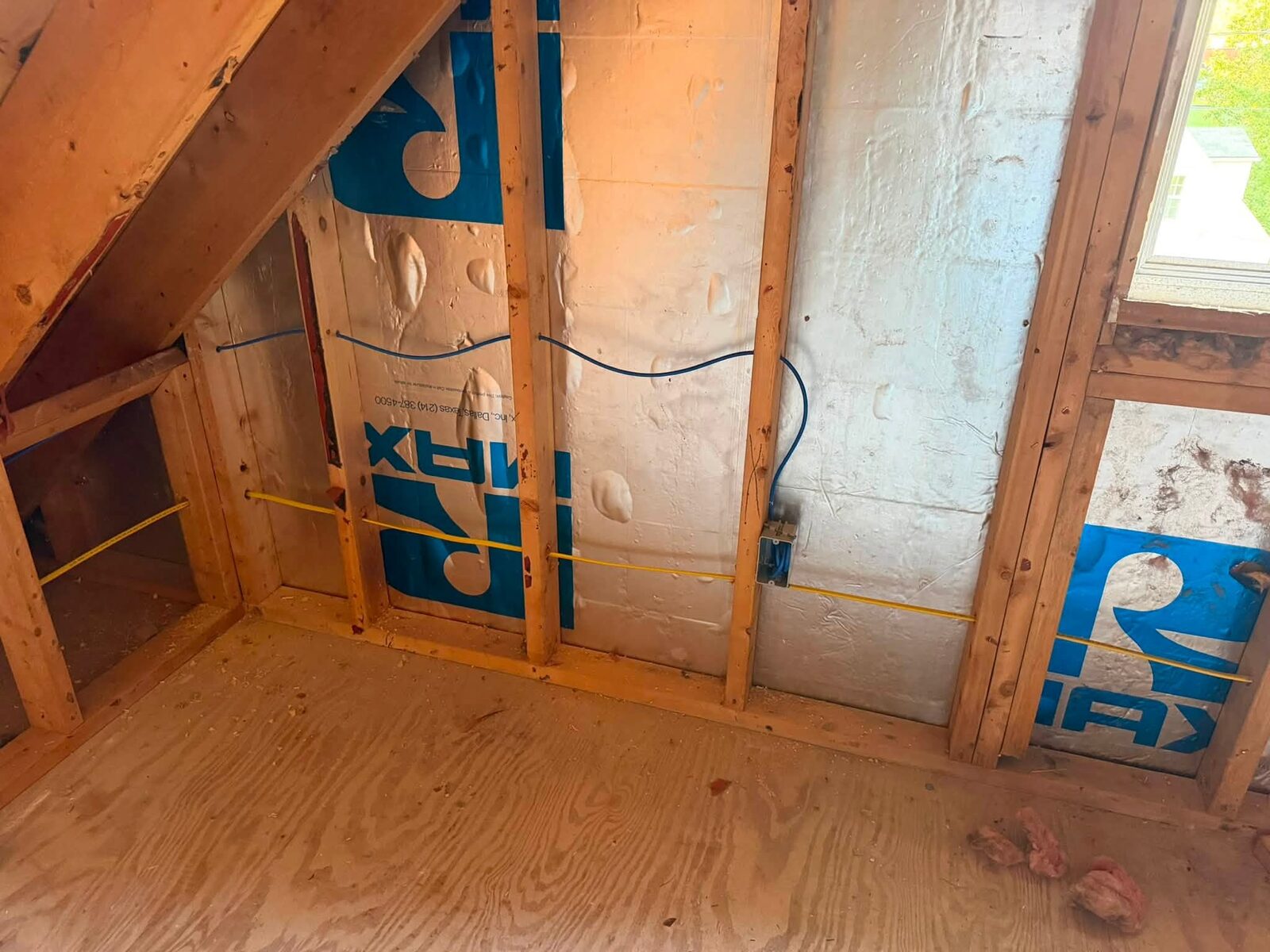
This is where running Cat6 Ethernet pays off — a cable to the far bedroom, the basement, or the bonus room lets us drop an access point exactly where the dead zone is. We cover the cabling side on our low-voltage and structured cabling page.
Step 3: Mesh and UniFi for Whole-Home Coverage
For many homes, a set of access points — often UniFi gear for larger or more demanding properties — creates one seamless network you never have to think about. Your phone moves from the kitchen to the back deck to the driveway without dropping. Done right, mesh and wired access points feel like the whole property is standing next to the router.
Step 4: Reaching Detached Buildings
This is the big one for rural Southwest Virginia. You have Starlink at the house, but the shop, barn, or garage across the property has nothing. Two solid options:
- Buried or run Ethernet to the outbuilding when the distance and trenching allow — the most bulletproof link there is.
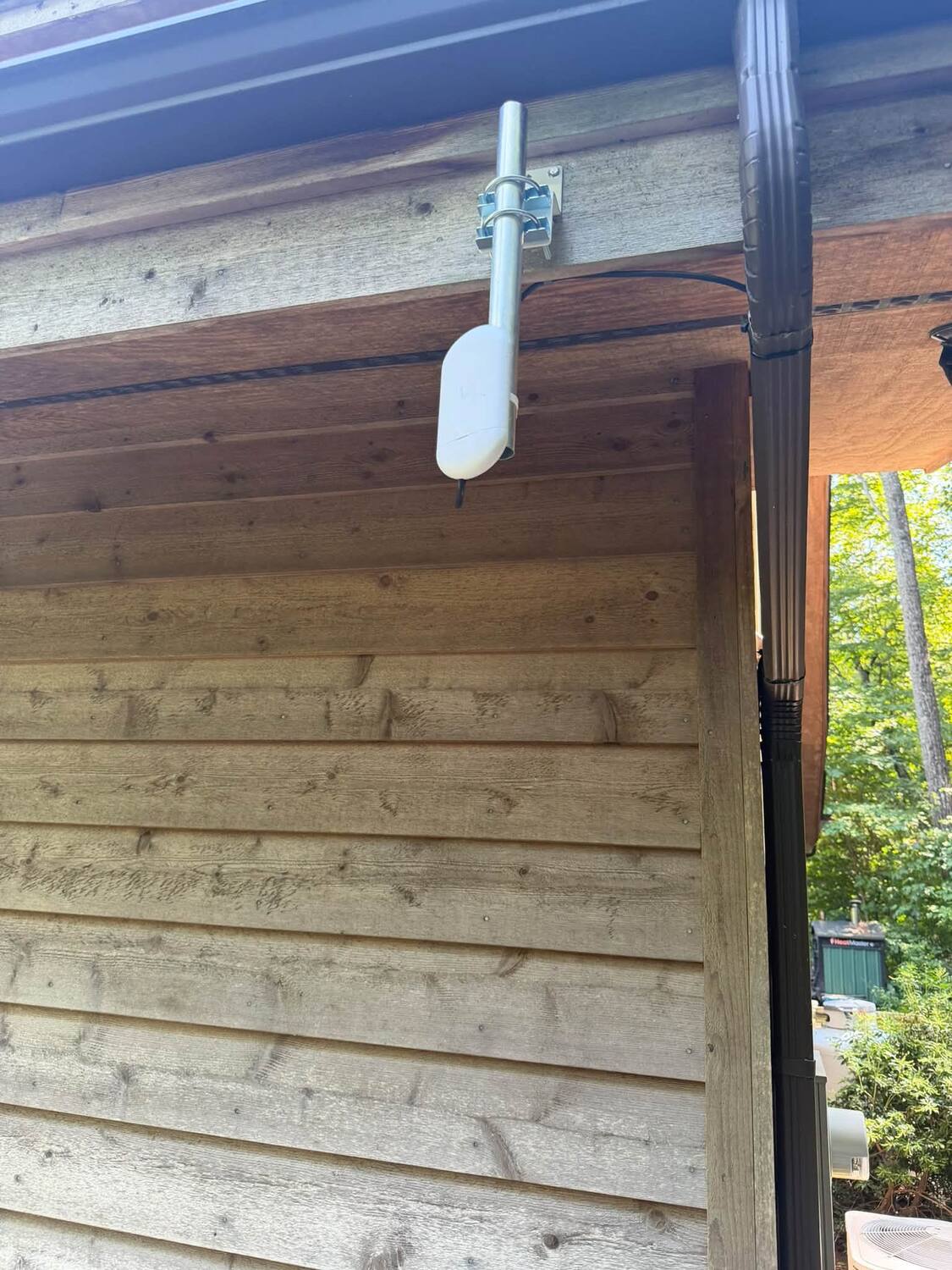
- Point-to-point wireless bridges when a cable run is not practical. A small antenna on the house beams a strong, dedicated connection to a matching antenna on the outbuilding — enough to run Wi-Fi, cameras, and equipment out there.
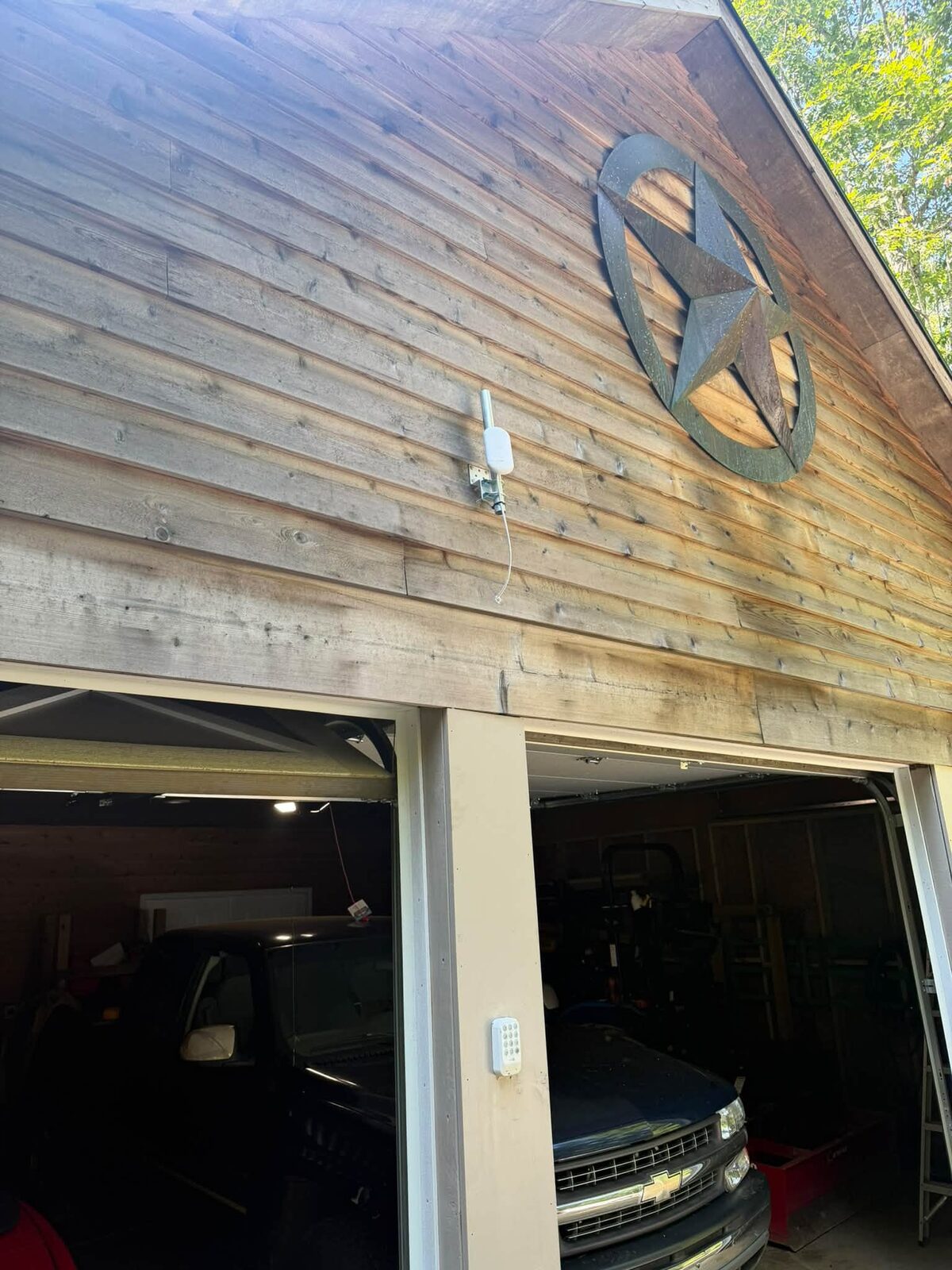
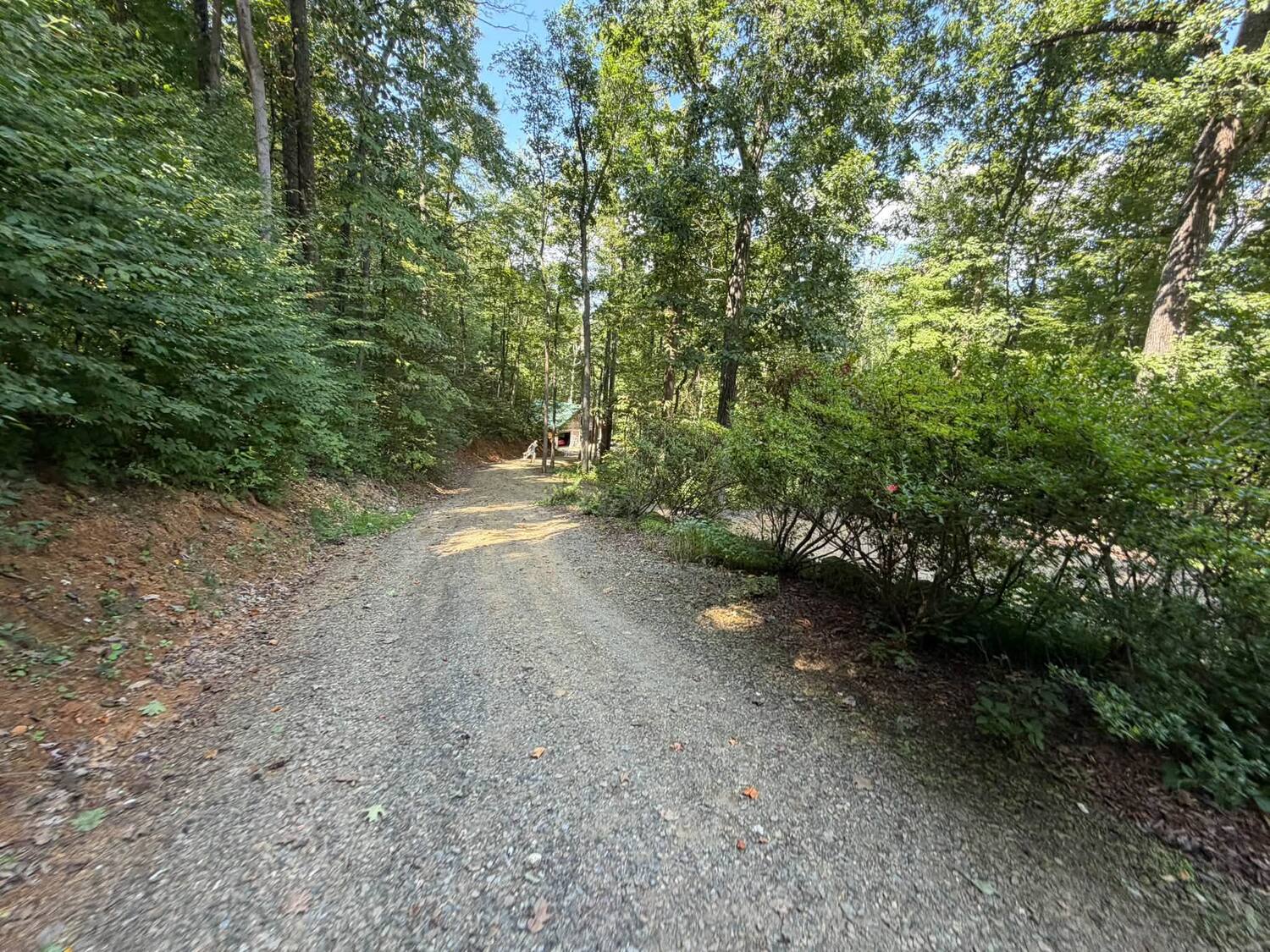
We use point-to-point links all the time to get internet down a long driveway or across a field to a second building. It is the difference between a barn with zero signal and a barn with full-speed Wi-Fi and working cameras.
Bringing It Together: Starlink + Networking
The cleanest results come from planning the internet and the network together. When we install Starlink, we can design the Wi-Fi at the same time — router placement, access points, Cat6 runs, and point-to-point links to outbuildings — so the whole property is covered from day one. If you already have Starlink, we can come back and build the network around it.
This combination is exactly what rural customers want: real internet at the house, and that internet extended out to the barn, garage, shop, and yard. See our Wi-Fi and networking services for the full picture, or Starlink installation if you are starting from scratch.
Frequently Asked Questions
Will a Wi-Fi extender fix my dead zones? Usually not well. Cheap extenders cut speed and drop often. Wired access points — or a proper mesh — are what actually deliver reliable, full-speed coverage.
Can I get Starlink Wi-Fi out to my barn or shop? Yes. We either run Ethernet to the building or set up a point-to-point wireless bridge from the house, then add an access point so the outbuilding has full Wi-Fi.
Do I need UniFi gear? Not always. Smaller homes do fine with a couple of access points; larger or busier properties benefit from UniFi's range and management. We size it to your property, not to a sales sheet.
How far can a point-to-point bridge reach? With clear line of sight, well beyond a typical property — easily house-to-barn, house-to-shop, or down a long driveway. Trees and terrain are the limiting factor, which we check on site.
Let's Cover Your Whole Property
Already have Starlink but fighting dead zones? Planning a new install and want it done right the first time? We handle both across Pulaski, Radford, Dublin, Fairlawn, Christiansburg, Blacksburg, and the surrounding New River Valley.
- 📞 Call or text: 540-440-1157
- 📶 Learn more: Wi-Fi & Networking | Starlink Installation
Get a free Wi-Fi coverage quote →
Zaxx Tech Solutions — Virginia DCJS #11-30241, licensed and insured. Starlink and networking for the New River Valley and Southwest Virginia.
Need help with your tech in Virginia?
Zaxx Tech Solutions handles security systems, custom PCs, websites, Starlink, and IT support — all locally, all licensed (DCJS #11-30241). Get a no-pressure quote today.