
Why Your Reolink Cameras Keep Going Offline (and How to Fix It)
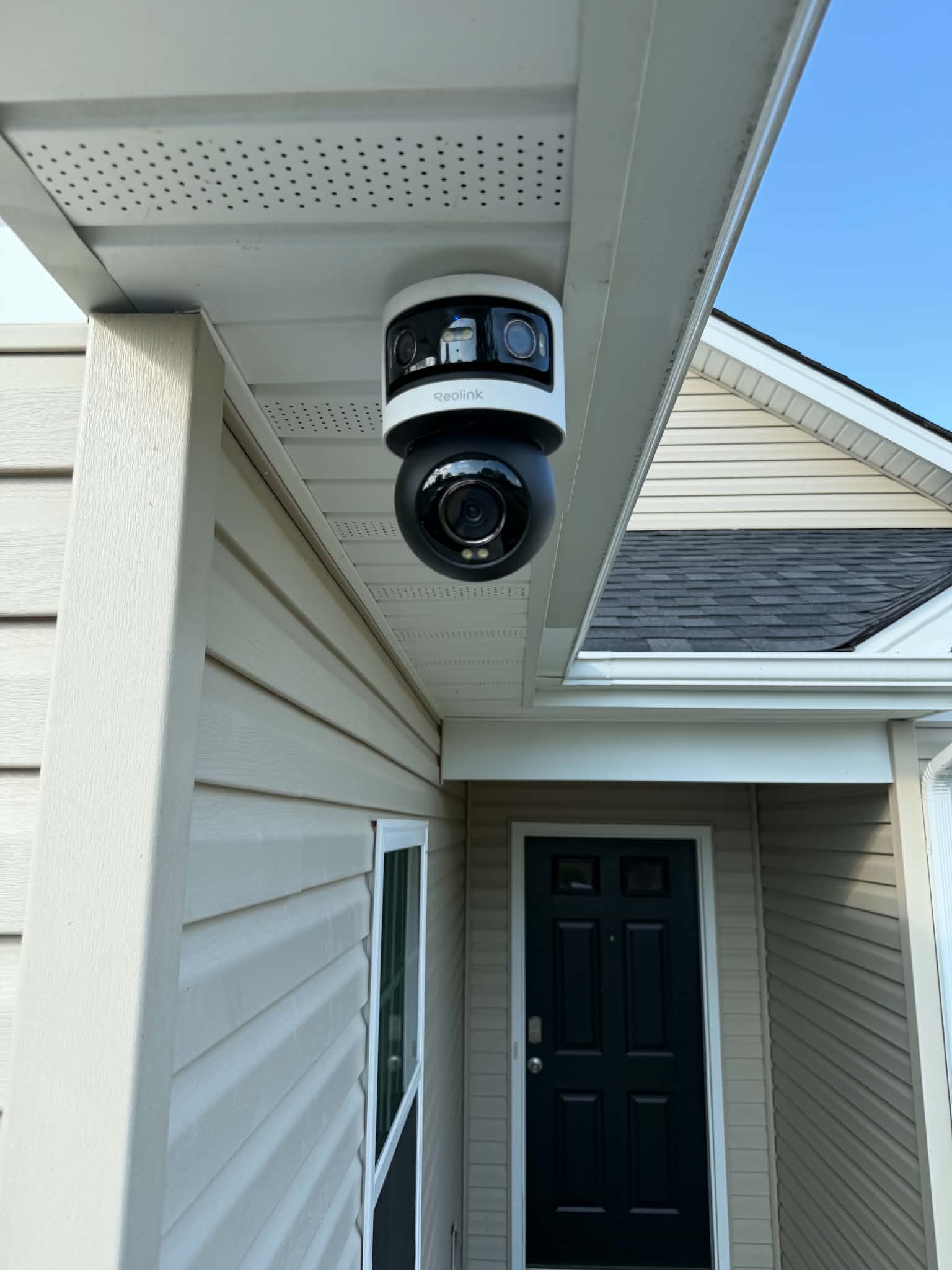
Reolink makes a lot of the camera systems we see around the New River Valley and Roanoke Valley. They are good value and, when installed well, very reliable. When one starts dropping offline, though, the app usually just says "connection failed" and leaves you guessing.
The good news is that the cause is almost always one of a short list. Below is the order we work through it on a service call, starting with the cheapest and most common fixes.
1. Power problems (the most common cause)
A camera that reboots or disappears for a few minutes at a time is very often a power problem.
- PoE budget: every NVR and PoE switch has a total power budget. Add a few cameras with IR night vision, a spotlight model or a PTZ, and you can exceed it at night when the IR turns on. Check the NVR or switch spec sheet against the cameras you have connected.
- Plug-in adapters: Wi-Fi cameras with a separate 12V adapter can fail when the adapter ages or the outlet is on a GFCI that trips.
- Battery cameras: cold weather drains batteries faster, and a solar panel in the shade will not keep up.
What we check: power draw against the PoE budget, the adapter output and whether the problem lines up with nighttime IR.
2. Bad or damaged cabling
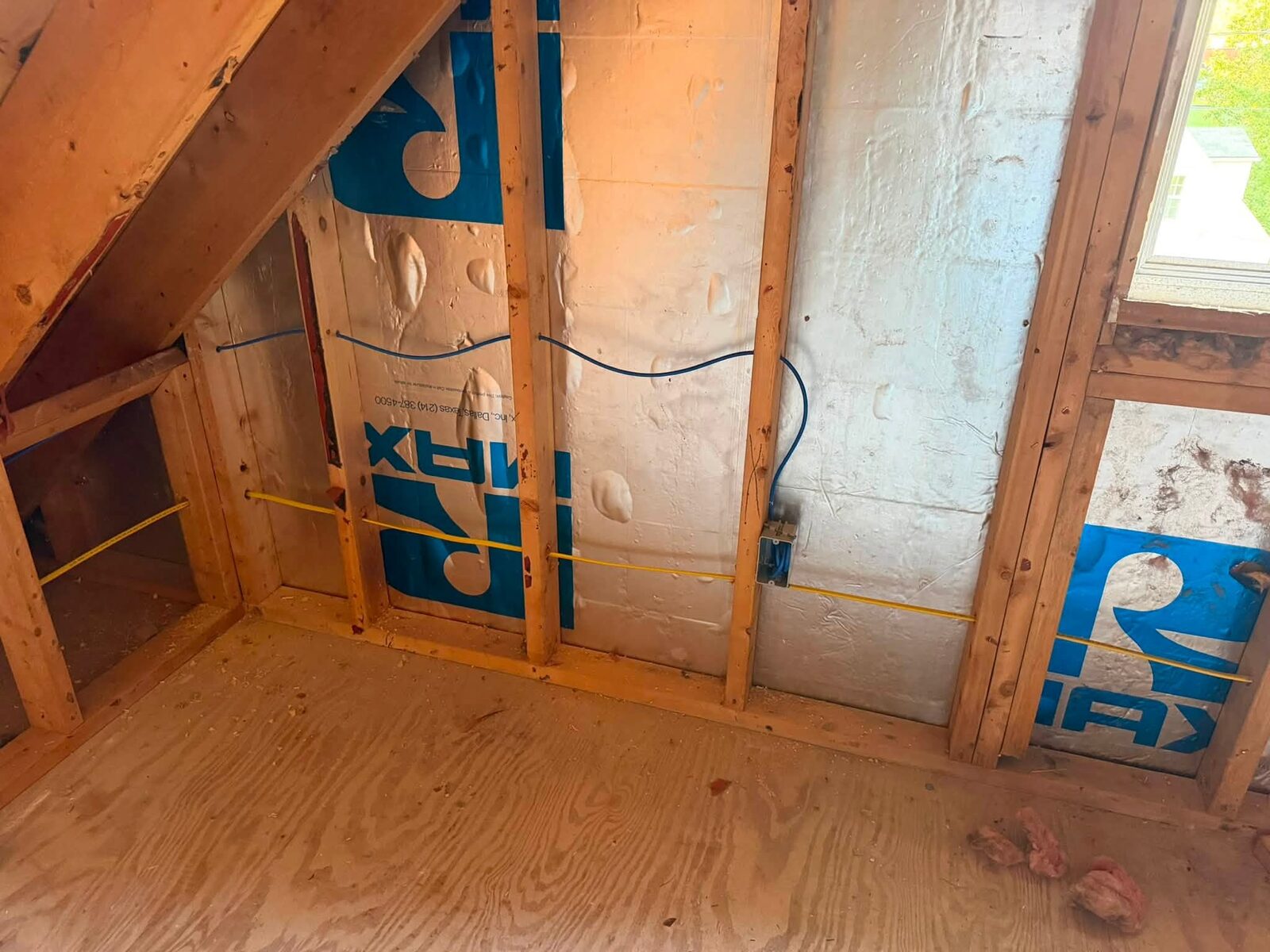
On wired PoE systems, the cable is the next suspect. Problems we regularly find include:
- Connectors crimped on the wrong standard or not fully seated.
- Cable run outdoors that was not rated for it, now cracked by UV and weather.
- Water getting into an unsealed connection at the camera.
- Runs that are too long or that use copper-clad aluminum cable, which does not carry PoE power well.
A camera that works when you plug it straight into the NVR with a short patch cable, but fails on its permanent run, points to the cable.
What we check: each run with a cable tester, connector terminations and weather sealing at the camera end.
3. Weak Wi-Fi signal
Wi-Fi cameras mounted on the far side of a brick or block wall, on a detached garage or at the edge of the property often sit right at the limit of the router's range. They work in the afternoon and drop when the neighborhood gets busy in the evening.
Fixes range from moving the router or adding a wired access point closer to the camera, to replacing the camera with a hardwired PoE model. For cameras that matter, we usually recommend running Cat6. A wired camera does not have to compete for signal.
4. IP address conflicts and router changes
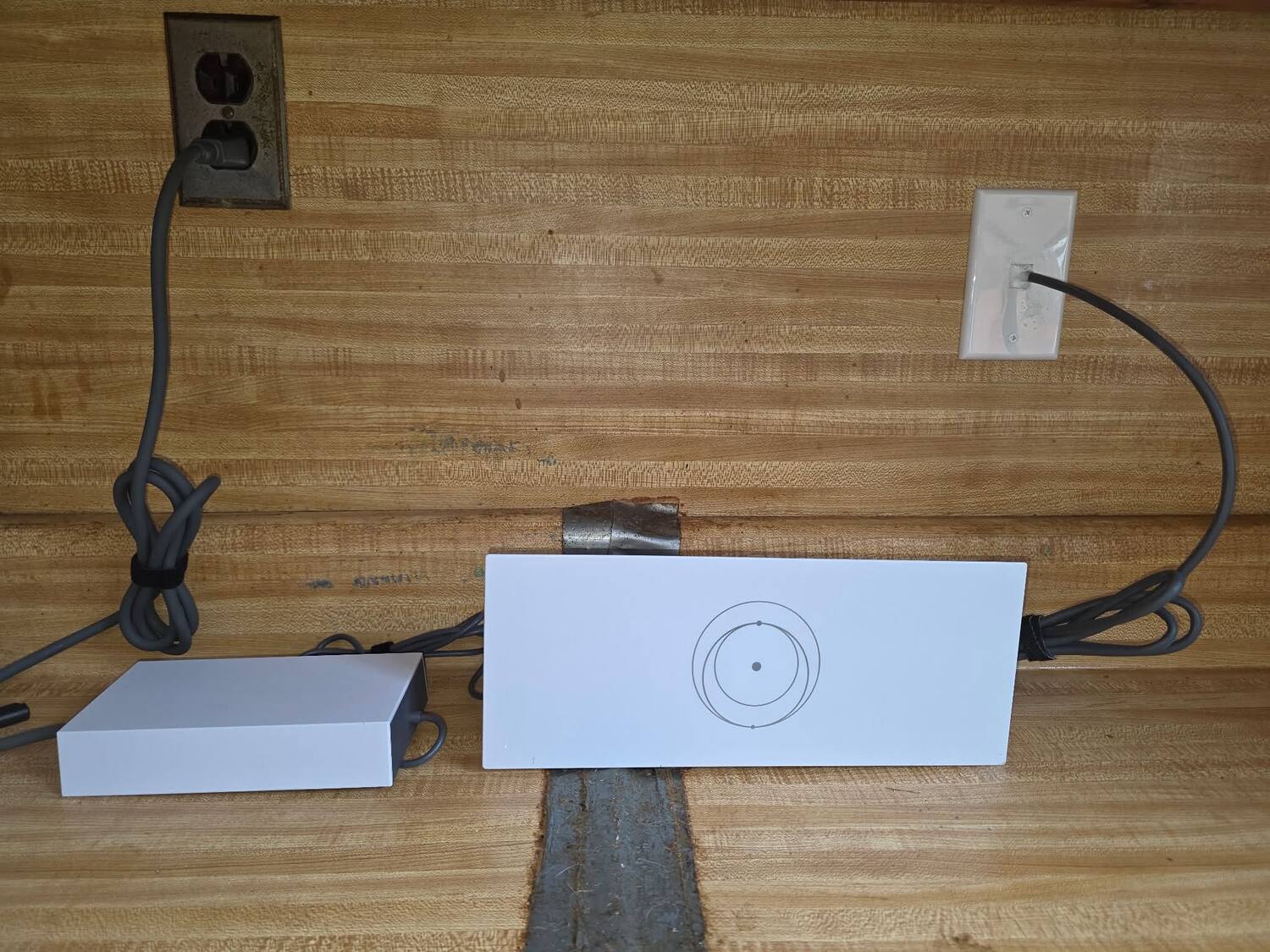
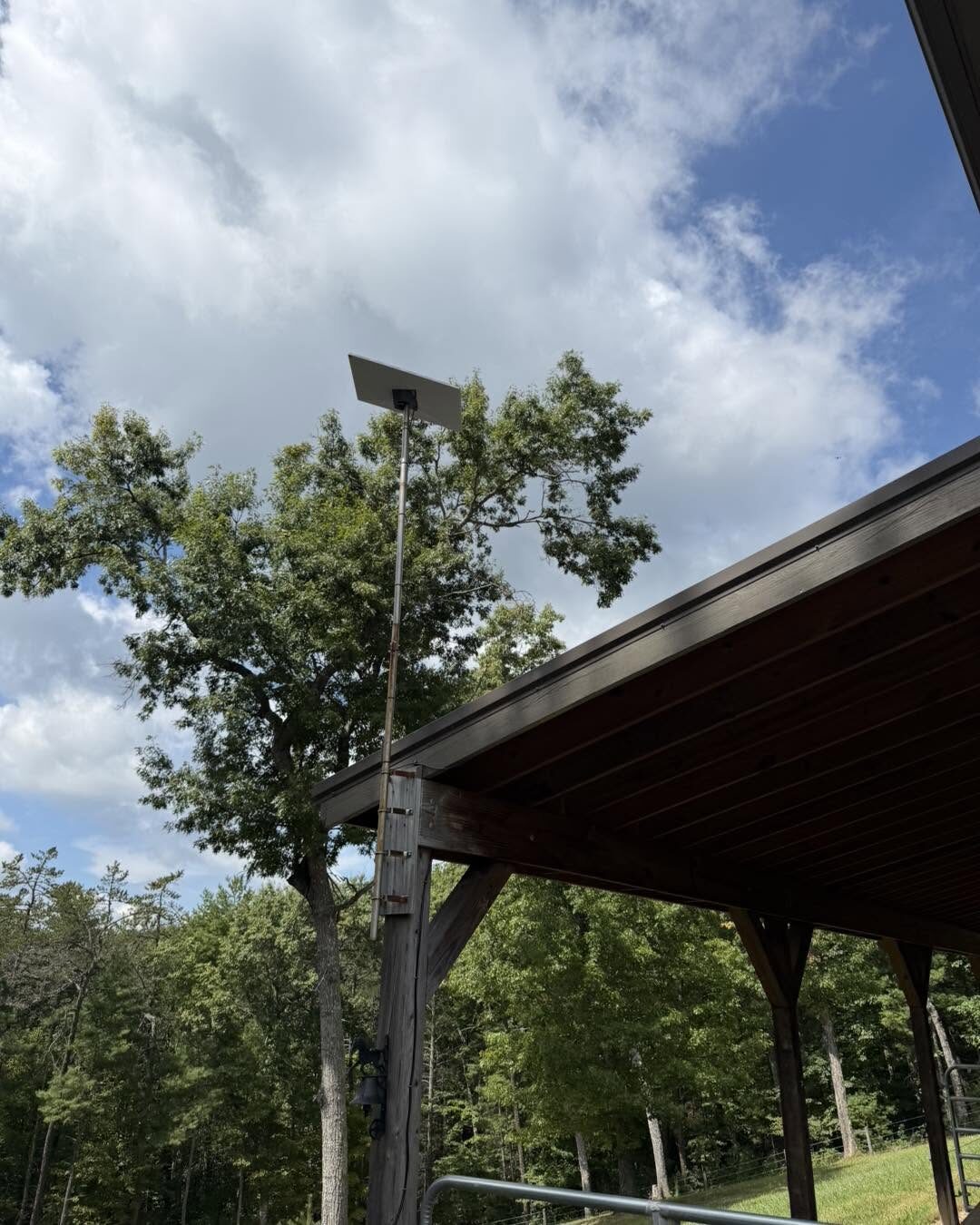
When a new router goes in, whether that's a replacement from your internet provider or a switch to Starlink, the cameras and NVR can end up on a different network range. Cameras that were set with fixed IP addresses may then be unreachable, or two devices may end up fighting over the same address.
What we check: the IP addresses of each camera and the NVR, DHCP reservations on the router, and whether the NVR still sees every channel.
5. NVR settings, storage and firmware
Sometimes the camera is online but the system is not recording. Common culprits:
- A failed or full hard drive in the NVR, or overwrite turned off.
- Recording schedules or motion settings that were changed and never set back.
- Firmware that is badly out of date on the NVR or the cameras. Update carefully and one device at a time, using the firmware for your exact model.
If playback shows gaps or the NVR reports a disk error, check the drive status first.
6. Remote viewing stops but cameras still record
If the system records fine at home but the phone app will not connect away from home, the issue is usually the app login, the UID connection, or a router or firewall change, not the cameras themselves.
When to call a professional
It is worth having a technician look at it when:
- Several cameras drop at once, or the problem keeps coming back after a reboot.
- You inherited the system with a house or business and do not have the passwords.
- Cables run through walls or attics you cannot easily reach.
- You want to replace unreliable Wi-Fi cameras with hardwired PoE.
We recently did exactly this for new homeowners in Salem who inherited a Reolink system that had stopped working. You can read what we found and fixed in our Salem Reolink repair project.
Get help with your Reolink system
Zaxx Tech Solutions is based in Radford and services camera systems across the New River Valley and Roanoke Valley, including Christiansburg, Blacksburg, Pulaski, Salem and Roanoke. We are licensed by Virginia DCJS (#11-30241) and insured.
Call 540-440-1157 or request an estimate and tell us what the system is doing.
Need help with your tech in Virginia?
Zaxx Tech Solutions handles security systems, custom PCs, websites, Starlink, and IT support — all locally, all licensed (DCJS #11-30241). Get a no-pressure quote today.