
Professional Starlink Installation vs DIY: What Homeowners Should Know
Starlink deserves a lot of credit for how simple it made satellite internet. You can pull the dish out of the box, set it on the ground, point it at the sky, and be online in twenty minutes. For a weekend at the cabin, that is genuinely all you need.
But a permanent home setup is a different animal. The dish has to live outside through Southwest Virginia summers and ice storms, the cable has to get from the roof to your router without becoming a leak, and the Wi-Fi has to actually cover the house. That is where the gap between a quick DIY job and a professional install shows up — usually a year or two later. Here is what to weigh before you decide.
It Starts With a Clear View of the Sky
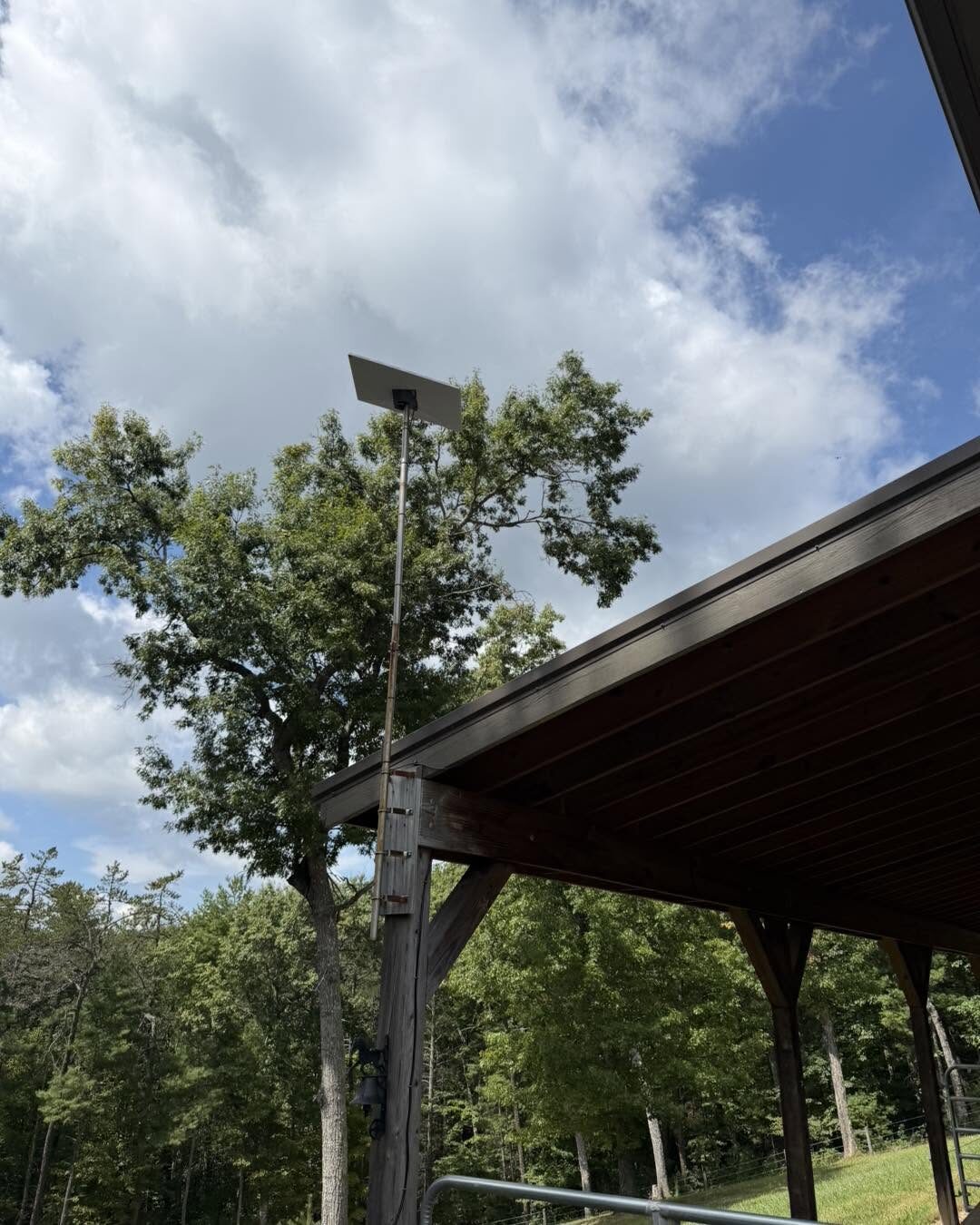
Starlink needs an unobstructed view of the northern sky. Trees are the number one problem we see on rural properties — a dish that tests fine in winter starts dropping out in spring when the leaves come back. The fix is height and placement: getting the dish above the tree line and aimed at the clearest slice of sky.
That often means a pole mount, a roof-edge mount, or a custom mount rather than a spot on the ground. Figuring out the right location is honestly the most valuable part of the job, and it is the part a DIY install most often gets wrong.
Mounting: Roof, Wall, Fascia, and Pole
Every mounting location has trade-offs:
- Roof mounts get the dish high with a clean sky view, but the penetration has to be flashed and sealed correctly or it becomes a roof leak.
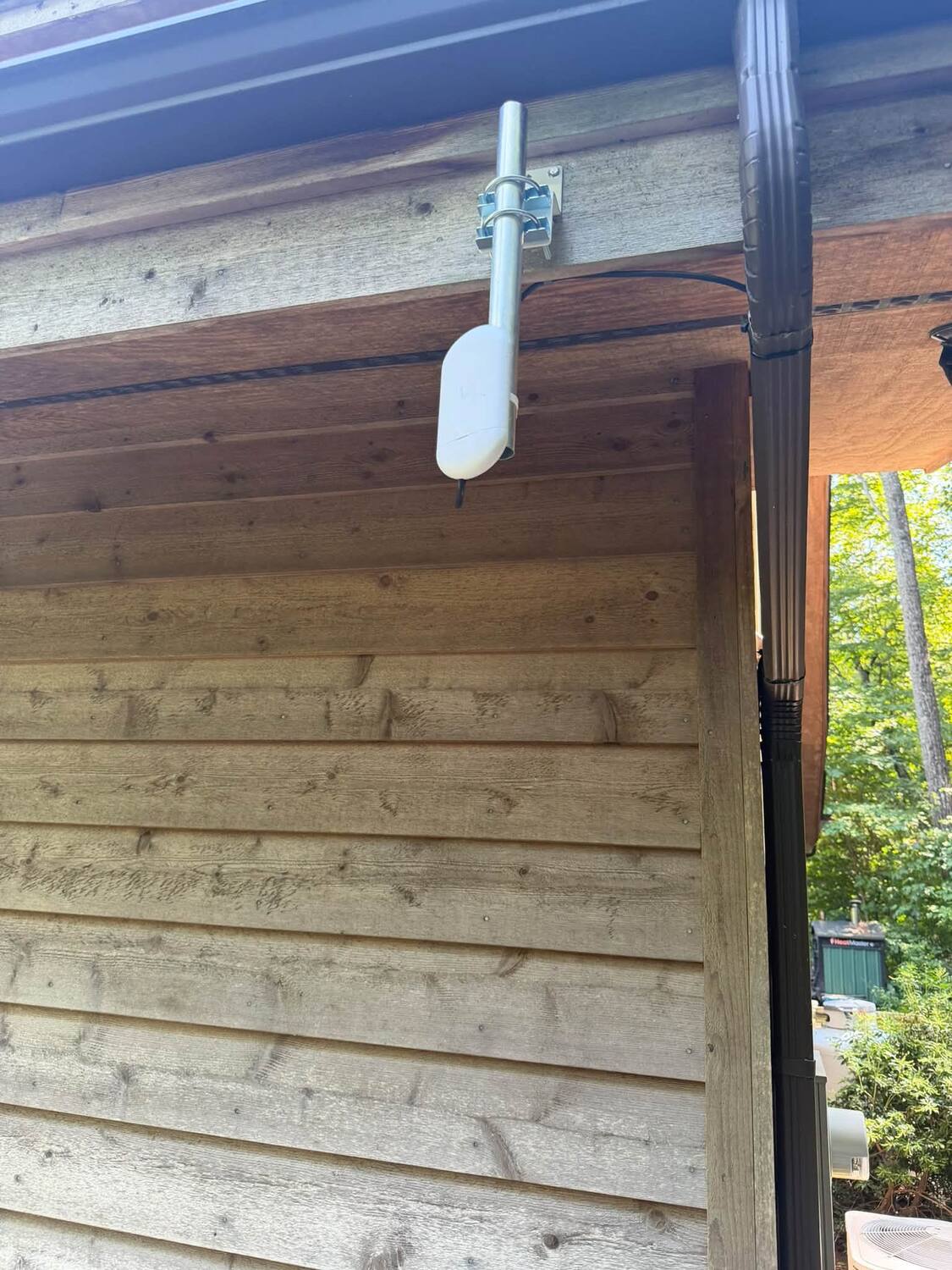
- Fascia and wall mounts are lower-impact and great when the roofline already clears the trees.
- Pole mounts — including tall poles on outbuildings and pavilions — are our go-to when trees are in the way and the dish needs real height.
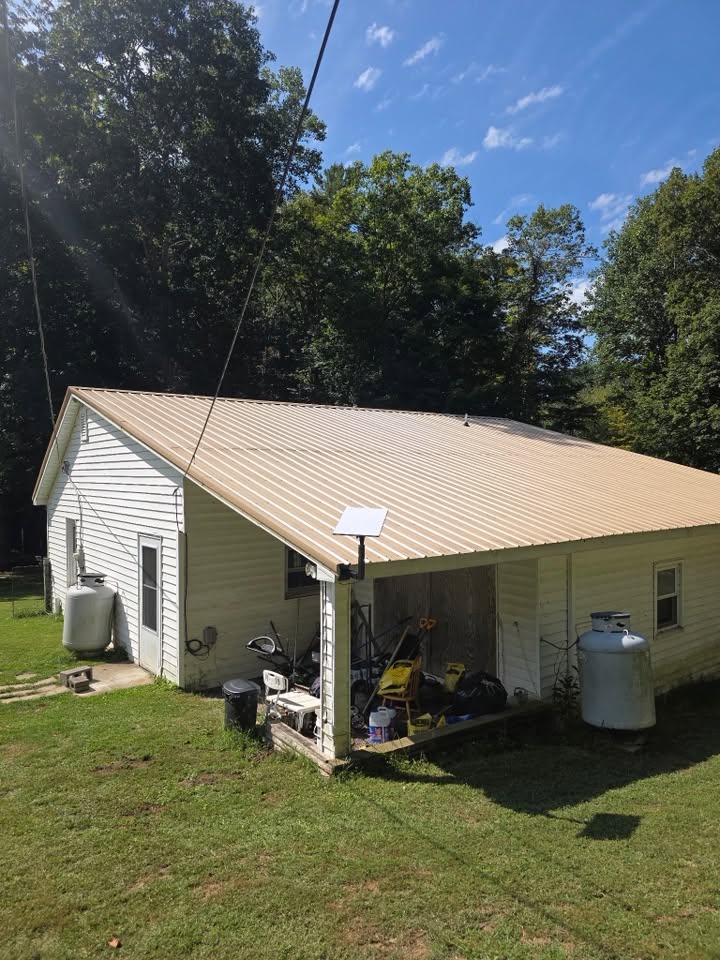
The wrong mount is not just ugly — a dish that sags, vibrates in the wind, or sits too low will cost you signal and, eventually, hardware.
Cable Routing and Wall Penetrations
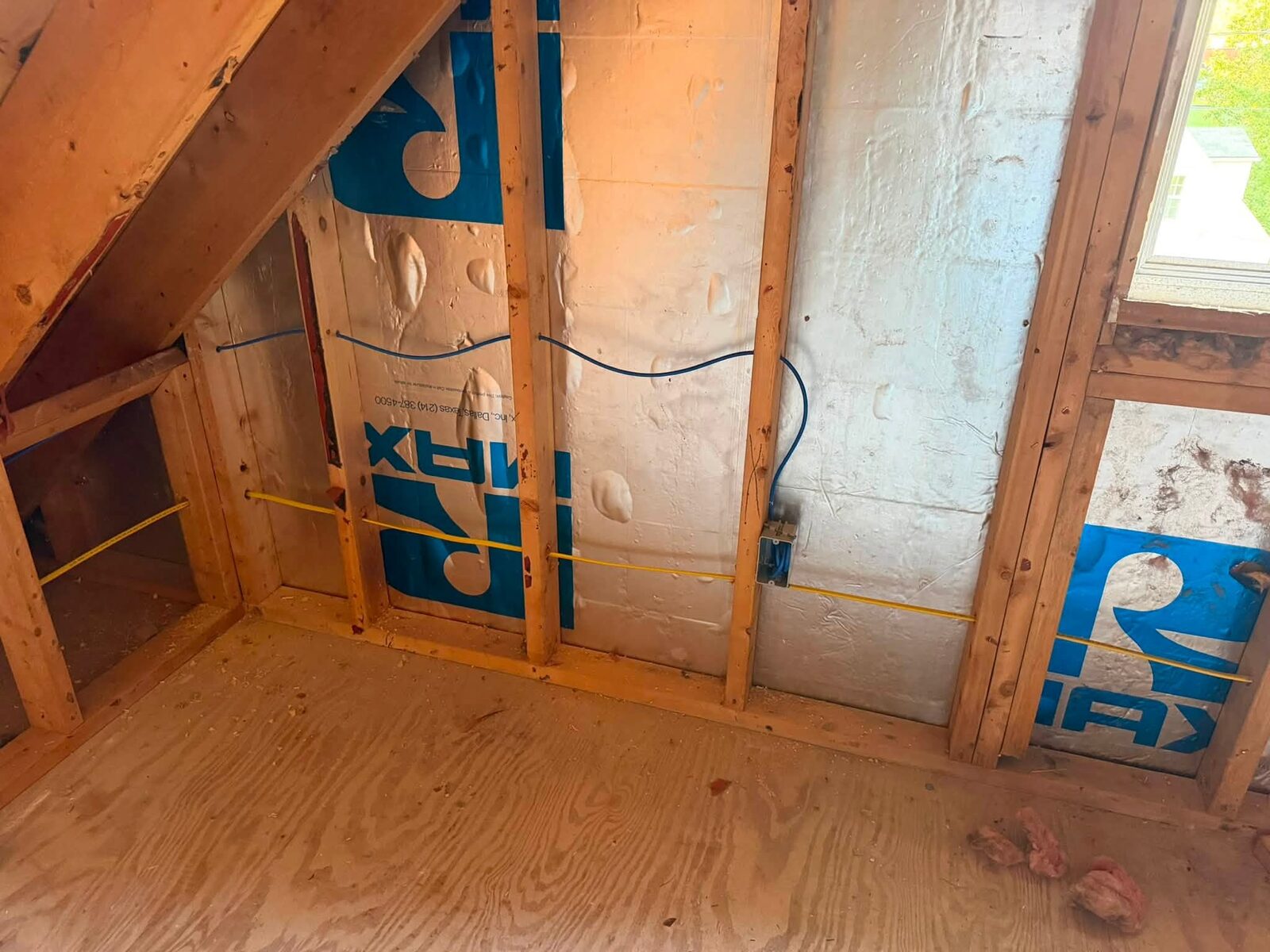
The Starlink cable is proprietary and, on the newer kits, not easily replaced if you damage it — so routing matters. A good install runs the cable neatly along structural lines, protects it where it is exposed, and brings it inside through a properly drilled and sealed penetration, not a window jamb pinching the wire.
That exterior hole is exactly where DIY jobs cause trouble. Sealed correctly, it is invisible and dry for years. Sealed with a glob of the wrong caulk — or not at all — it lets water and pests into your wall.
Weatherproofing and Drip Loops
Two small details prevent most water problems:
- Drip loops — a downward loop in the cable before it enters the wall so rain drips off the bottom of the loop instead of running along the cable into your home.
- Proper sealant and grommets at every penetration, rated for exterior use.
These take a professional a few extra minutes and save you a drywall repair down the road.
Avoiding Poor Mounting Locations
A few placements we routinely have to redo:
- Dish sitting on the ground or a temporary tripod, where snow, mowers, and kids all become hazards and the sky view is often blocked
- Dish mounted too low, under an eave, or tucked beside a chimney where it clips the sky
- Cable stapled tightly, run through a window, or left dangling without protection
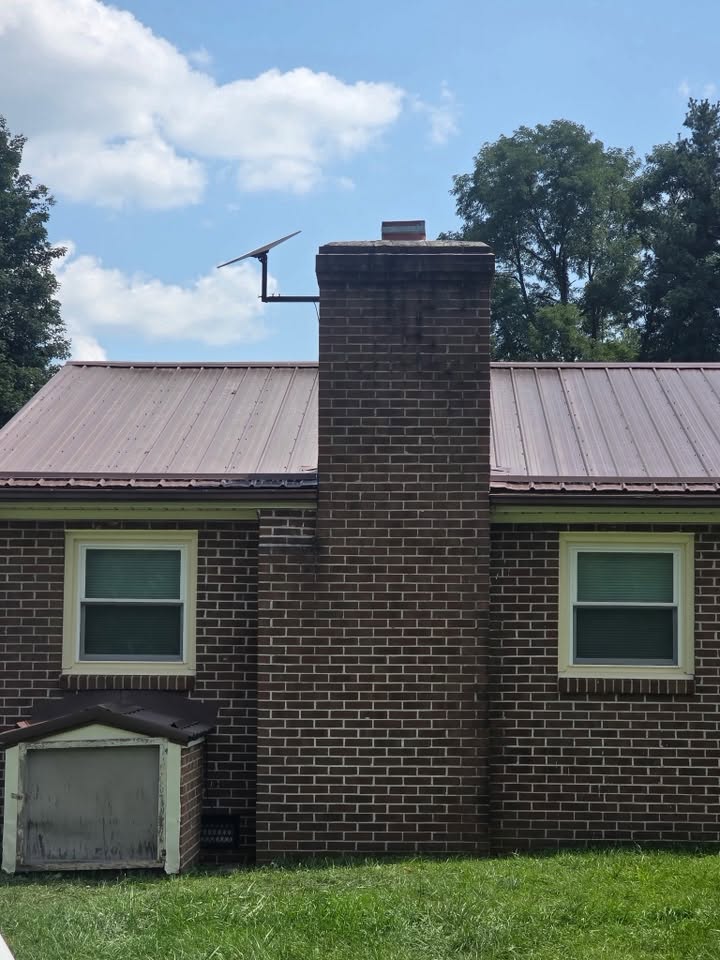
A temporary ground stand is fine to test a location. It is not where a system you rely on for work and school should live long term.
Do Not Forget the Wi-Fi
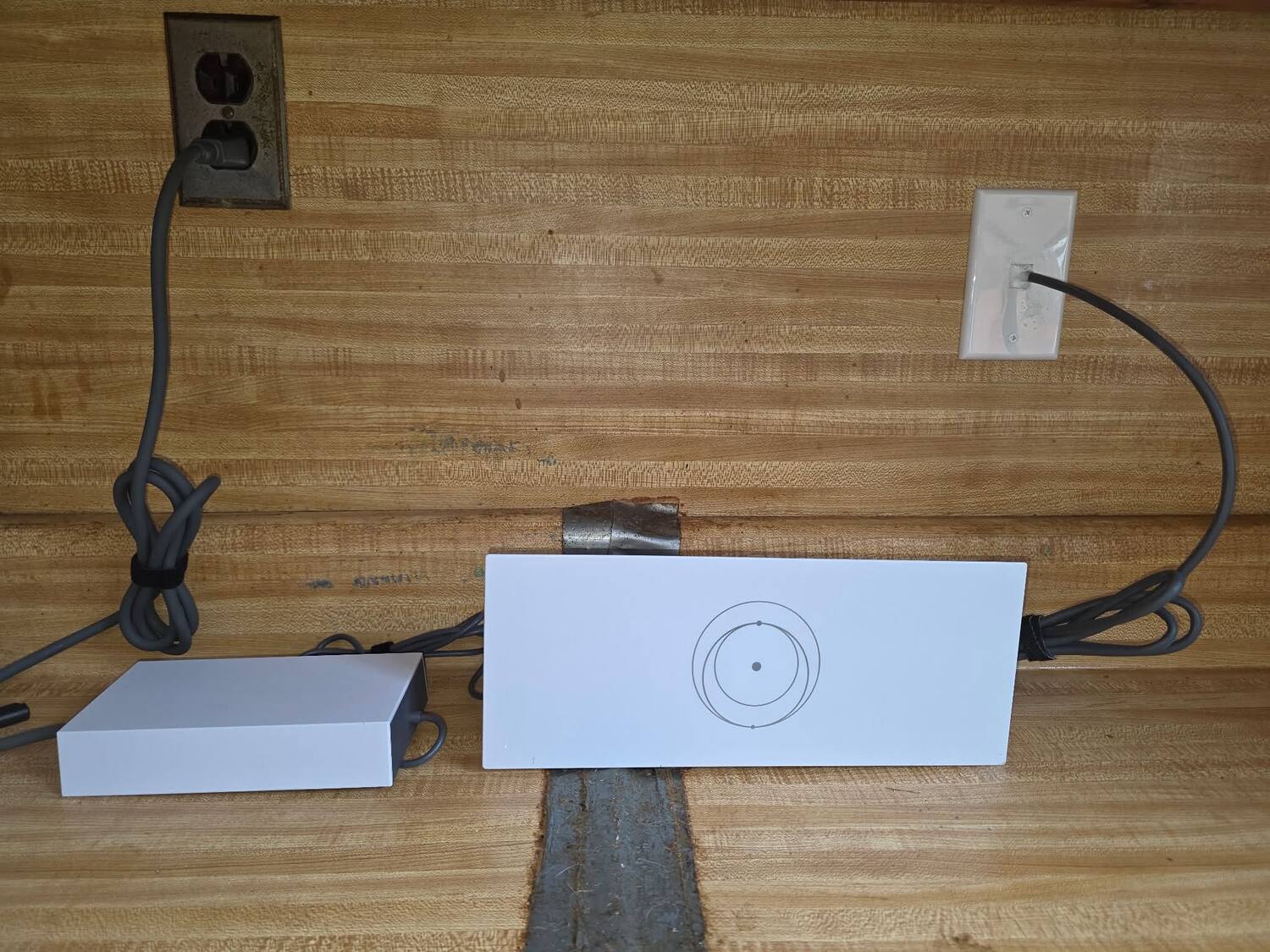
Here is the part people forget: getting the dish online does not mean the whole house has good Wi-Fi. A large home, a basement office, or a detached garage can still have dead zones even with a perfect Starlink signal at the router. Part of a professional install is placing the router well and, when needed, planning wired access points or a mesh so coverage reaches where you actually live and work. We go deep on this in how to get better Wi-Fi after installing Starlink.
So — Professional or DIY?
If you need internet at a weekend spot and a ground stand clears the sky, DIY is perfectly reasonable. But for a permanent home system — especially one on a roof, on a pole, or feeding a whole family's devices — a professional install gets you a clean mount, a dry wall, protected cabling, and Wi-Fi that actually covers the house. It is the difference between "it's online" and "it just works, and it still works next winter."
Frequently Asked Questions
Can I install Starlink myself? Yes, for a basic ground setup. The value of a pro comes with permanent mounting, roof or pole installs, sealed cable penetrations, and whole-home Wi-Fi — the parts that are hard to redo once they are wrong.
Where should the dish be mounted? Wherever it gets the clearest, highest view of the northern sky above your tree line — often a pole or roof-edge mount on rural properties. We survey the site to find that spot before drilling anything.
Do you seal the hole where the cable comes in? Always. Every penetration gets a proper drip loop and exterior-rated sealant so it stays dry and pest-free.
Get Professional Starlink Installation in Southwest Virginia
We install Starlink for homes across Pulaski, Radford, Dublin, Fairlawn, Christiansburg, Blacksburg, Montgomery County, Pulaski County, and the surrounding New River Valley — clean mounts, weatherproof cabling, and Wi-Fi that reaches the whole property.
- 📞 Call or text: 540-440-1157
- 🛰️ Learn more: Starlink Installation
Request a free Starlink quote →
Zaxx Tech Solutions — Virginia DCJS #11-30241, licensed and insured. Serving the New River Valley and Southwest Virginia.
Need help with your tech in Virginia?
Zaxx Tech Solutions handles security systems, custom PCs, websites, Starlink, and IT support — all locally, all licensed (DCJS #11-30241). Get a no-pressure quote today.