
Starlink Gen 2 vs Gen 3: Is It Worth Upgrading?
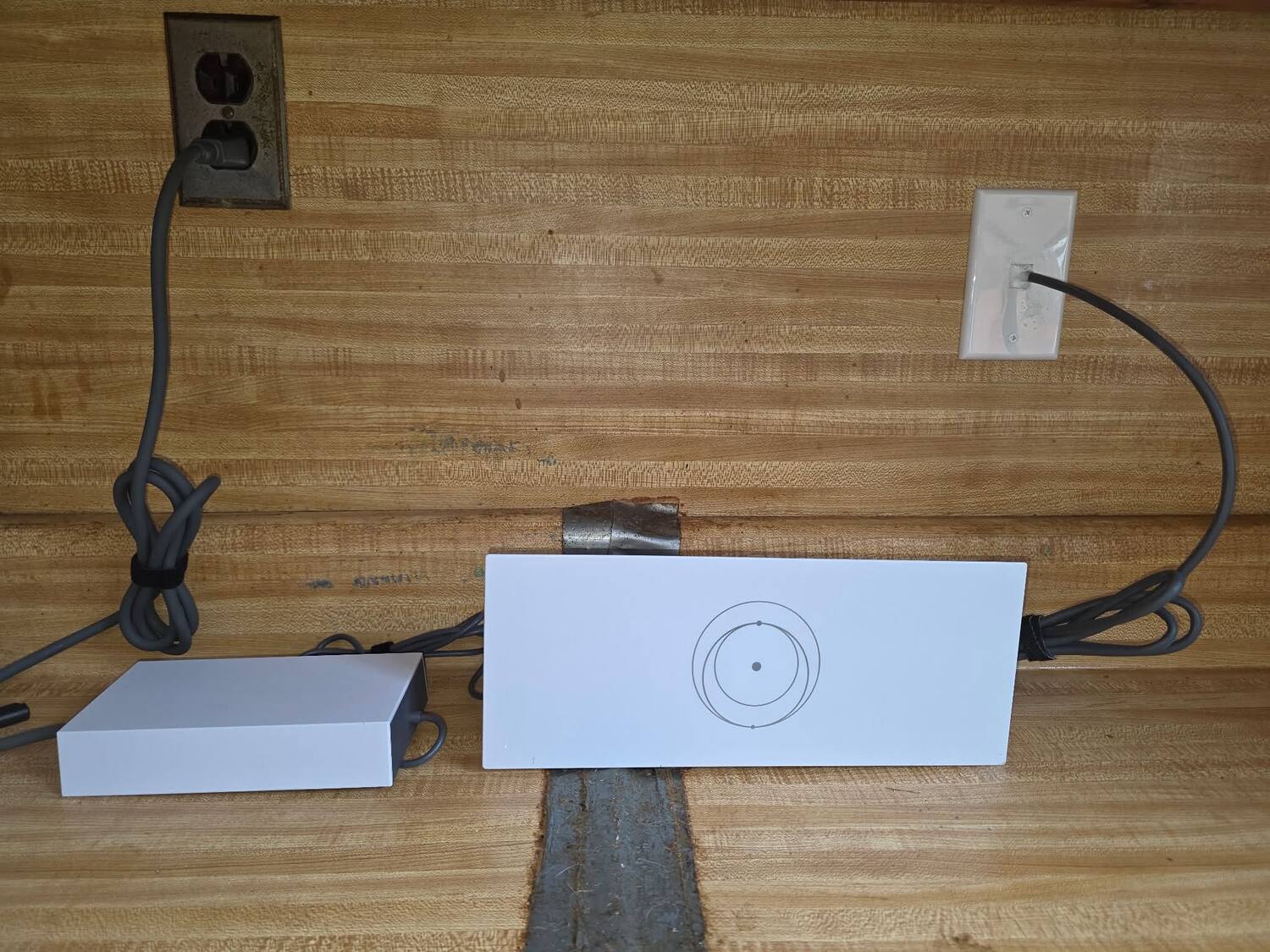
If you were an early Starlink adopter out in the New River Valley, there is a good chance you are still running a Gen 2 kit — the rectangular dish and the small white router that came in the box a few years back. It works, so the natural question is: should you bother upgrading to Gen 3?
We get asked this constantly by customers around Pulaski, Radford, Dublin, and Christiansburg. The honest answer is it depends — mostly on how your household uses the internet and how well your current Wi-Fi actually reaches the far corners of your property. Here is what really changed between the two generations, in plain terms.
The Short Answer
If your Gen 2 system is reliable and your whole home already has strong Wi-Fi, there is no urgent reason to replace it. But if you fight dead spots, you have added a mesh system or Ethernet since your original install, or your hardware is aging and dropping out, the Gen 3 kit is a meaningful step up — and it is built to be wired into a real home network far more easily.
What Actually Changed Between Gen 2 and Gen 3
The dish
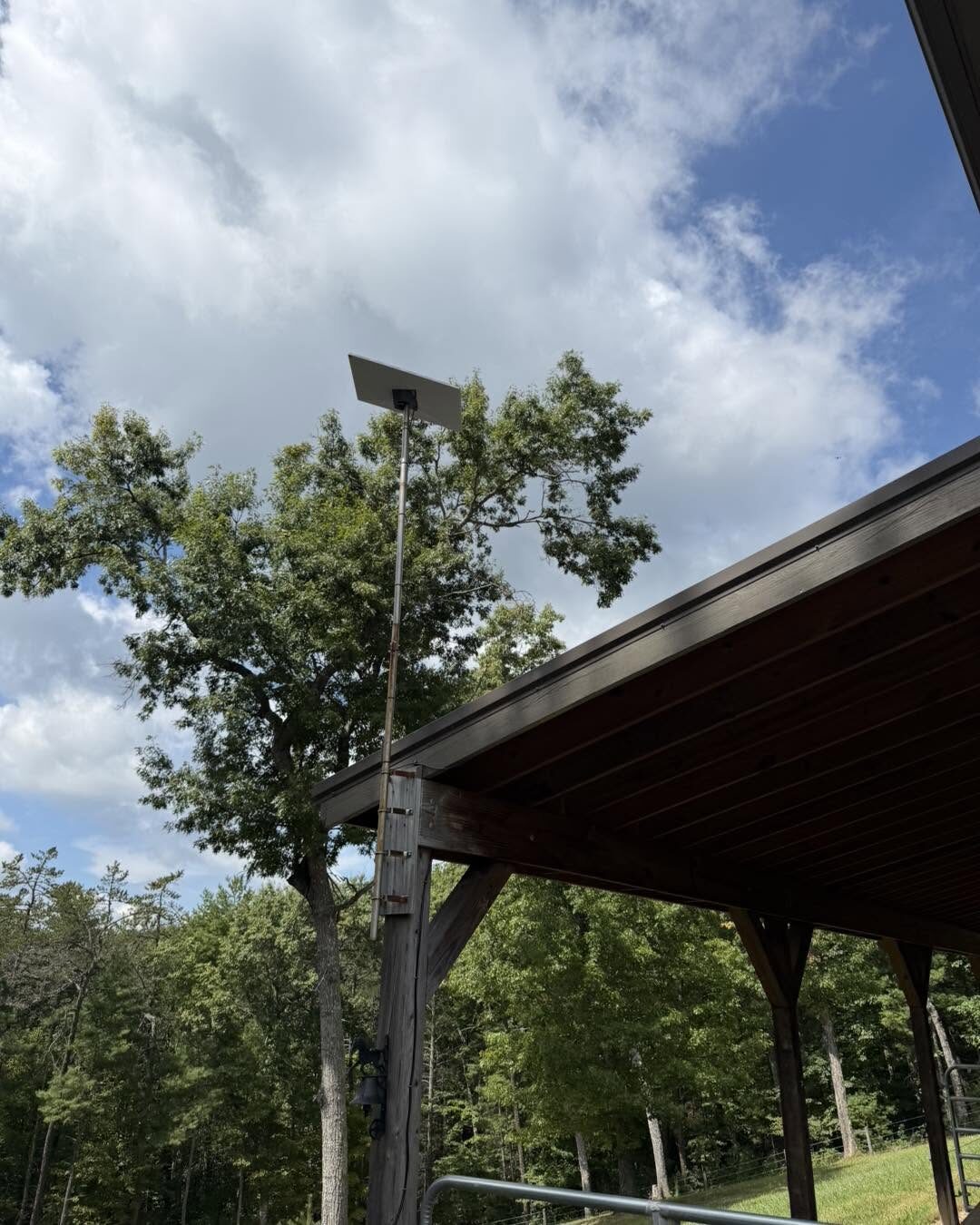
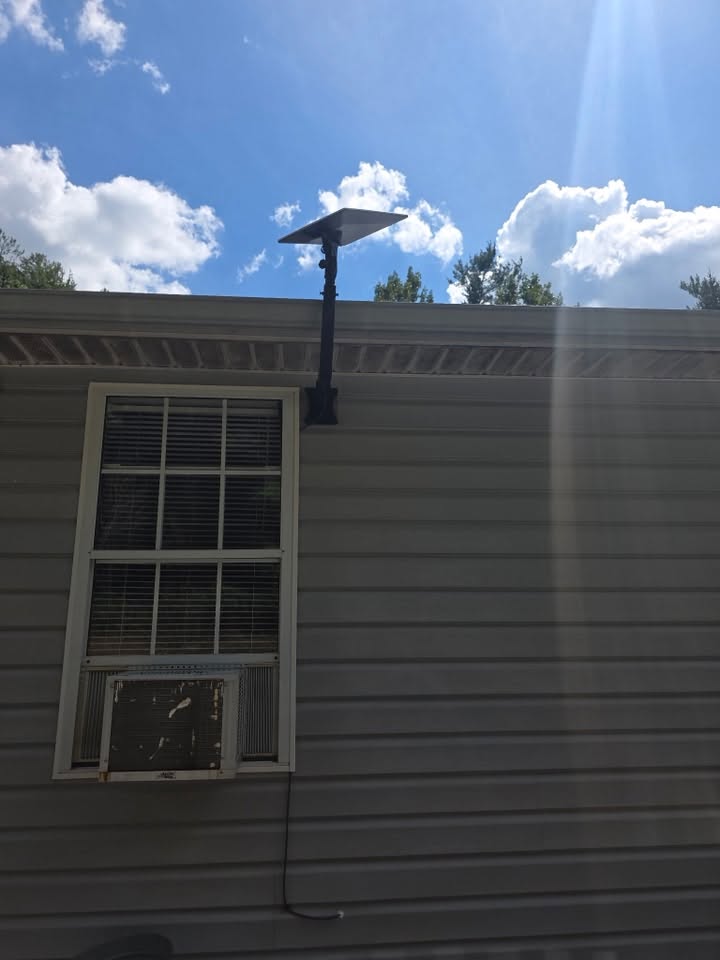
The Gen 3 "Standard" dish is a different shape and size than the older Gen 2 hardware, with a built-in kickstand for a quick ground test. The practical thing to know is that the two dishes are not interchangeable on the same mount. If you upgrade, the old mount usually comes down and a new one goes up — which is exactly the kind of thing worth planning before you are on a ladder.
The router
This is the biggest everyday difference. The Gen 3 router runs Wi-Fi 6, so it handles more devices at once and pushes a stronger, more stable signal than the Gen 2 router's older Wi-Fi. It also has two Gigabit Ethernet ports built right in. On Gen 2, if you wanted a wired connection or a mesh node, you had to buy and splice in a separate Ethernet adapter. Gen 3 bakes that in.
The cable and power
Both generations use a proprietary cable between the dish and the router, but the Gen 3 connector is different from Gen 2 — you cannot mix and match cables or routers across generations. Gen 3 also folds the power supply into the router itself, so there is one less brick to find a home for. When we run an upgrade, we route the new cable cleanly, seal the exterior penetration, and leave a proper drip loop so water never tracks back to the wall.
Wi-Fi and Networking Improvements
For most rural homes, the Wi-Fi jump is the real reason to upgrade. The Gen 3 router covers more square footage and holds up better when the whole family is streaming, on video calls, and running smart-home gear at the same time.
Just as importantly, those built-in Ethernet ports make it simple to do the thing that actually fixes a big or spread-out property: hardwire access points into the far rooms, the basement, or a detached building instead of hoping one router reaches everywhere. If you have a shop, barn, or garage that never had a usable signal, Gen 3 is a much better foundation to build on. We cover that in detail in how to get better Wi-Fi after installing Starlink.
Signs It Is Time to Replace an Older Gen 2 System
- Your Wi-Fi drops or slows down when several people are online
- You have already bolted on extenders or a mesh kit to patch coverage
- The dish or router is aging, overheating, or randomly rebooting
- You want to hardwire part of the house or reach a detached building and Gen 2's lack of built-in Ethernet keeps getting in the way
- You are moving the dish anyway and it makes sense to modernize while you are at it
When Upgrading Makes Sense — and When It Doesn't
Upgrading makes sense when your current setup is holding your household back, when you are expanding coverage to outbuildings, or when the hardware is simply old. It makes less sense if a single Gen 2 router already blankets your home, your speeds are fine, and nothing is dropping. There is no prize for buying new gear you do not need — and we will tell you honestly if that is your situation.
Is Professional Installation Worth It for an Upgrade?
Swapping generations is more than unplugging a router. You are removing an old mount, installing a new one that fits the Gen 3 dish, aiming for a clean view of the sky above the tree line, running a new proprietary cable, sealing the exterior penetration, and then actually setting up the Wi-Fi so it covers the property. Done right, it is tidy, weatherproof, and tested. Done in a hurry off a ladder, it is the kind of job that leaks or drops signal a year later.
How Zaxx Tech Handles Gen 2 to Gen 3 Upgrades
We do complete Gen 2 to Gen 3 upgrades across Southwest Virginia, and every one includes:
- Removal and disposal of your old dish, mount, and cabling
- A new mount sized for the Gen 3 dish — roof, pole, wall, or a custom mount to clear trees
- Clean, weatherproof cable routing with a proper drip loop and sealed penetration
- Router setup, Wi-Fi configuration, and any wired connections or access points you need
- On-site speed testing before we pack up
See our full Starlink installation page for what a professional install includes, or read Starlink mounting options: roof, pole, and wall if you are weighing where to put the new dish.
Frequently Asked Questions
Can I use my Gen 2 cable or router with a Gen 3 dish? No. The connectors and hardware changed between generations, so the dish, cable, and router need to match. That is part of why an upgrade means new mounting and cabling, not just a router swap.
Will Gen 3 give me faster internet? Your Starlink plan and sky view drive raw speed, but Gen 3's Wi-Fi 6 router usually delivers a noticeably better experience — stronger coverage and steadier performance with lots of devices connected.
Do I need a new mount to upgrade? Usually, yes. The Gen 3 dish is a different size and shape, so the old mount typically comes down and a new one goes up. We handle the removal and the new install in one visit.
Do you serve my area? We install and upgrade Starlink throughout the New River Valley and Southwest Virginia, including Pulaski, Dublin, Fairlawn, Radford, Christiansburg, Blacksburg, Montgomery County, Pulaski County, and out toward Roanoke.
Thinking About Upgrading?
If your Gen 2 system is showing its age or your Wi-Fi never quite reaches where you need it, we are happy to take a look and give you a straight recommendation — upgrade or not.
- 📞 Call or text: 540-440-1157
- 📧 Email: [email protected]
Get a free Starlink upgrade quote →
Zaxx Tech Solutions — Virginia DCJS #11-30241, licensed and insured. Professional Starlink installation and upgrades for the New River Valley and Southwest Virginia.
Need help with your tech in Virginia?
Zaxx Tech Solutions handles security systems, custom PCs, websites, Starlink, and IT support — all locally, all licensed (DCJS #11-30241). Get a no-pressure quote today.