
How to Choose the Right Custom Gaming PC in 2026 Without Overspending
Every week someone messages us convinced they need the most expensive graphics card on the shelf. And every week we talk a good number of them out of it — because the truth is, most gamers are about to overspend on parts they will never actually use.
At Zaxx Tech Solutions, we hand-build custom PCs right here in the New River Valley — Radford, Christiansburg, Blacksburg, Pulaski, Fairlawn, Dublin, Wytheville, and across Southwest Virginia. This guide is the same honest advice we give every customer before we build: match the machine to how you actually play, not to a spec sheet.
Start With One Question: What Are You Actually Playing?
Before we talk parts, we ask what games you play and on what monitor. That single answer decides 80% of the build. A competitive Fortnite or Call of Duty player wants high frame rates at 1080p or 1440p. An iRacing or flight-sim setup cares about smooth frames across wide or multi-monitor views. A streamer needs headroom to game and encode at the same time. A student who games on the weekend needs something totally different than a full-time content creator.
There is no single "best" gaming PC — there is only the best one for you.
Resolution Decides Your Graphics Card — Not the Other Way Around
The biggest overspending mistake we see is buying a monster GPU to feed a 1080p monitor. Here is the honest breakdown for 2026:
1080p (1920x1080)
Still the most popular resolution, and fantastic for high-refresh competitive gaming. Games like Fortnite, Call of Duty, Rocket League, and Valorant run buttery smooth here on a mid-range GPU. If this is you, spending on a top-tier card is money wasted — you will hit your monitor's refresh limit long before you use that power.
1440p (2560x1440)
The current sweet spot for most gamers. Sharper than 1080p, far easier to drive than 4K. A solid upper-mid-range GPU handles 1440p beautifully in almost everything, including demanding titles and sim racing.
4K (3840x2160)
Gorgeous, but demanding. This is the only tier where a high-end card genuinely earns its price. If you are gaming on a 4K display or a big living-room TV, a stronger GPU makes sense. If you are not, it does not.
The rule: buy the GPU your resolution and refresh rate actually need — then stop.
Why Almost Nobody Needs an RTX 5080 or 5090
The RTX 5080 and 5090 are incredible cards. They are also overkill for the vast majority of gamers. Unless you are gaming at 4K with every setting maxed, running high-end VR, or doing serious 3D/video work alongside gaming, a more sensible card like an RTX 5070-class GPU will crush 1080p and 1440p and leave money in your pocket.
We would genuinely rather build you a balanced machine and save you several hundred dollars than sell you a flagship card that spends its life at 40% load. That money is almost always better spent on more storage, a nicer monitor, or simply staying in budget.
The CPU: Match It to the GPU, Do Not Overthink It
For pure gaming, a strong modern mid-to-upper CPU is plenty — chips with extra gaming cache punch well above their price. The key is balance: pairing a flagship CPU with a budget GPU (or vice versa) creates a bottleneck where one part waits on the other. If you also stream, edit video, or run heavy multitasking, stepping up the CPU core count pays off. For most gamers, though, the CPU is not where the money should go — the GPU and monitor matter more.
RAM: 32GB Is the New Comfortable Default
In 2026, 16GB is the floor and 32GB is the comfortable default. 16GB still games fine, but modern titles, lots of browser tabs, Discord, and streaming software add up fast. 32GB of DDR5 gives you breathing room and is inexpensive enough that it is usually worth it. Going beyond 32GB only helps heavy content creation and workstation tasks — not gaming.
Storage: Go NVMe, Size It to Your Library
Skip old spinning hard drives for anything you play. A fast NVMe SSD makes your whole PC feel instant — quick boots, fast level loads, no stutter. We recommend at least a 1TB NVMe for most gamers, or 2TB if you keep a big library installed. You can always add another drive later; that is the beauty of a real custom build.
Cooling and the Power Supply: Where Cheap Builds Cut Corners
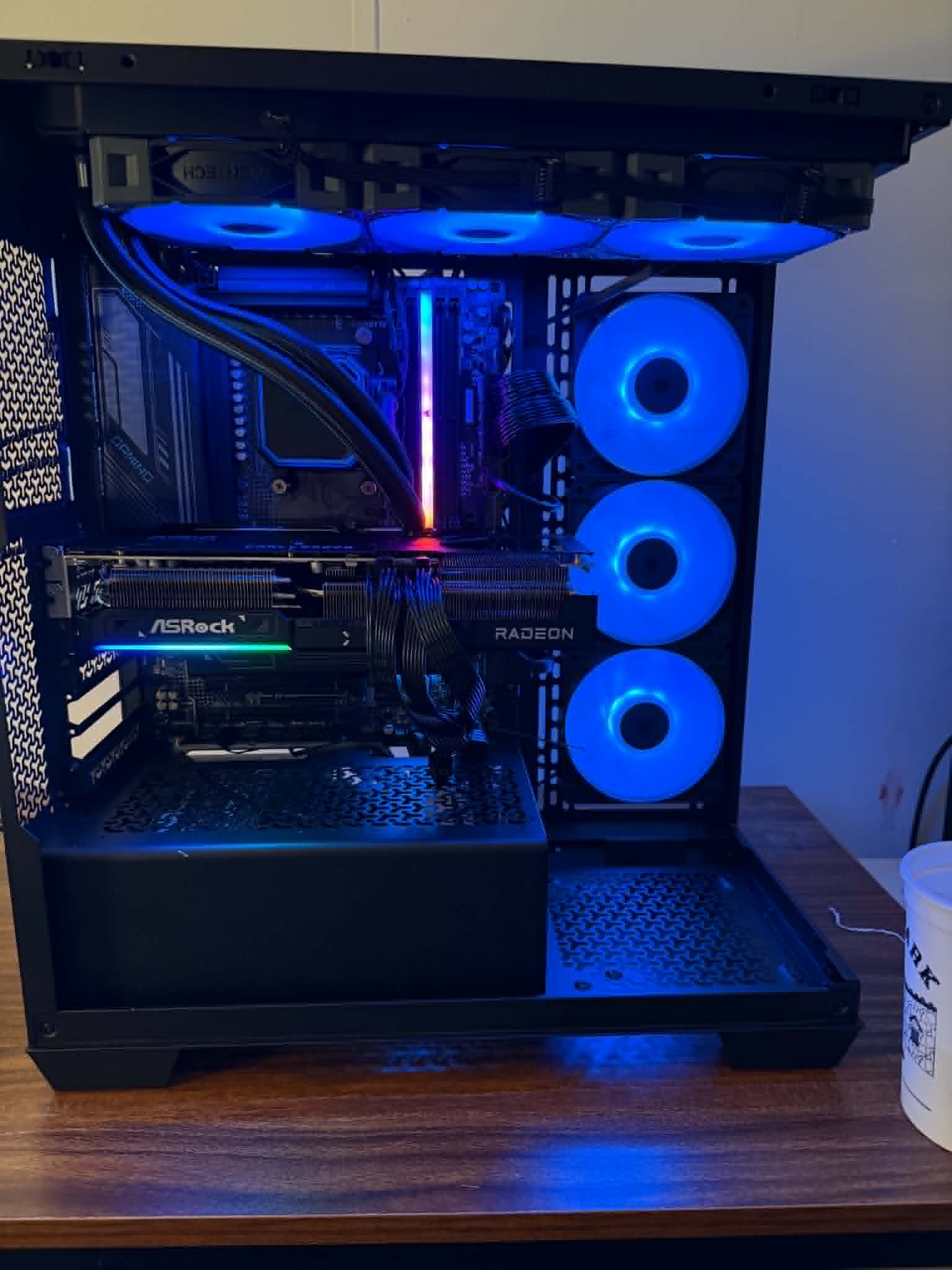
This is where big-box prebuilts quietly save money and cost you performance. Good cooling keeps your CPU and GPU from throttling under load — whether that is a quality air cooler or an AIO liquid cooler depends on the chip and the case. Just as important is a quality power supply with real headroom. A right-sized, high-efficiency PSU protects your components and leaves room for a future GPU upgrade. We never build on a bargain-bin power supply, period.
Do Not Forget the Monitor
A great PC on a bad monitor is a waste. If you play competitive shooters, a high-refresh (144Hz+) 1080p or 1440p monitor will do more for your experience than a more expensive graphics card. Spend your budget as a whole system — the display is part of the build, not an afterthought.
Real Budget Examples
- The Smart 1080p Competitive Build: mid-range GPU, strong gaming CPU, 32GB DDR5, 1TB NVMe, quality cooling and PSU, paired with a high-refresh 1080p monitor. Perfect for Fortnite, Call of Duty, and Rocket League without overspending.
- The 1440p Sweet-Spot Build: upper-mid-range GPU (think RTX 5070-class), 32GB DDR5, 1–2TB NVMe. Handles everything at 1440p including iRacing and modern AAA titles.
- The 4K / Creator Build: high-end GPU, higher core-count CPU, 32GB+ RAM, 2TB NVMe, robust cooling. The only tier where flagship parts truly earn their keep.
These are starting points — every Zaxx Tech build is customized to you, and final pricing depends on current part costs and availability.
Why Build Local With Zaxx Tech
When you build with us, you talk to the person who actually assembles your machine — not a call center. Every PC ships with a clean Windows install (no bloatware), is tested and benchmarked before it goes out the door, and is backed by real local support you can call or text. We are right here in the New River Valley, serving Radford, Christiansburg, Blacksburg, Pulaski, Fairlawn, Dublin, Wytheville, and all of Southwest Virginia.
Ready to Build Smart?
The best gaming PC is the one built around your games, your monitor, and your budget — not a flagship you will never fully use.
- 🖥️ See real builds and packages: Custom PC Builds
- 🧮 Get a live estimate in minutes: Try Our PC Builder
- 📞 Talk to a local builder: call or text 540-440-1157
Zaxx Tech Solutions — hand-built custom PCs in the New River Valley & Southwest Virginia. Prices vary with current part costs; we confirm your final quote before anything is ordered.
Need help with your tech in Virginia?
Zaxx Tech Solutions handles security systems, custom PCs, websites, Starlink, and IT support — all locally, all licensed (DCJS #11-30241). Get a no-pressure quote today.